


Safe Deposit: Widescreen and Renderer Fix for XIII (2003)
A widescreen, renderer and input fix for XIII (2003): any resolution, sharp menus, raw mouse, every setting inside the game.
This post is only available in German. Your browser can translate it for you. · Deutsch
What it is
A widescreen, renderer and input fix for XIII (2003), Ubisoft’s cel-shaded comic shooter. The look has aged well. The PC version hasn’t: 4:3 only, tiny menus at high resolutions, a mouse that floats, settings scattered across INI files. Getting it to run nicely on a modern PC is a chore.
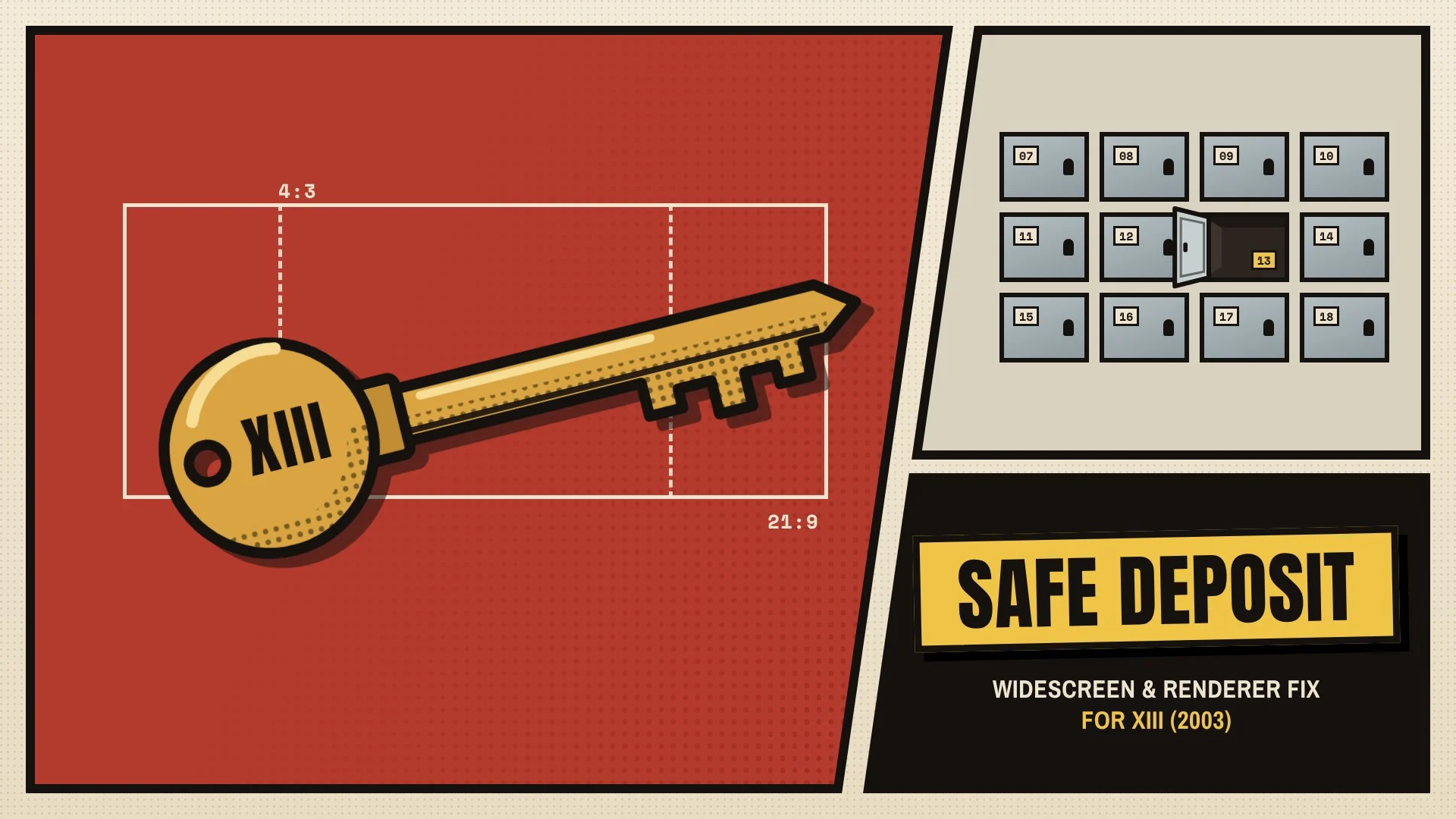
Safe Deposit fixes that from the outside. It doesn’t replace a single game file, and uninstalling puts everything back the way it was. The name comes from the key to a safe deposit box at Winslow Bank, the first clue XIII has to who he is.
What it does
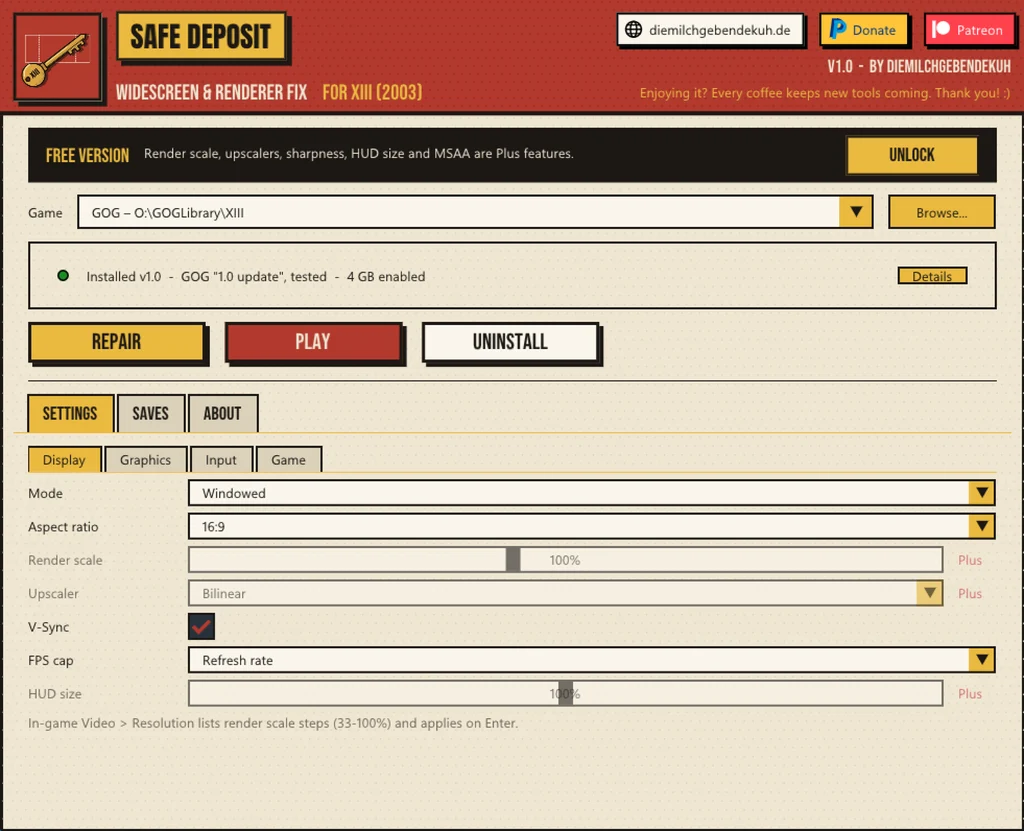
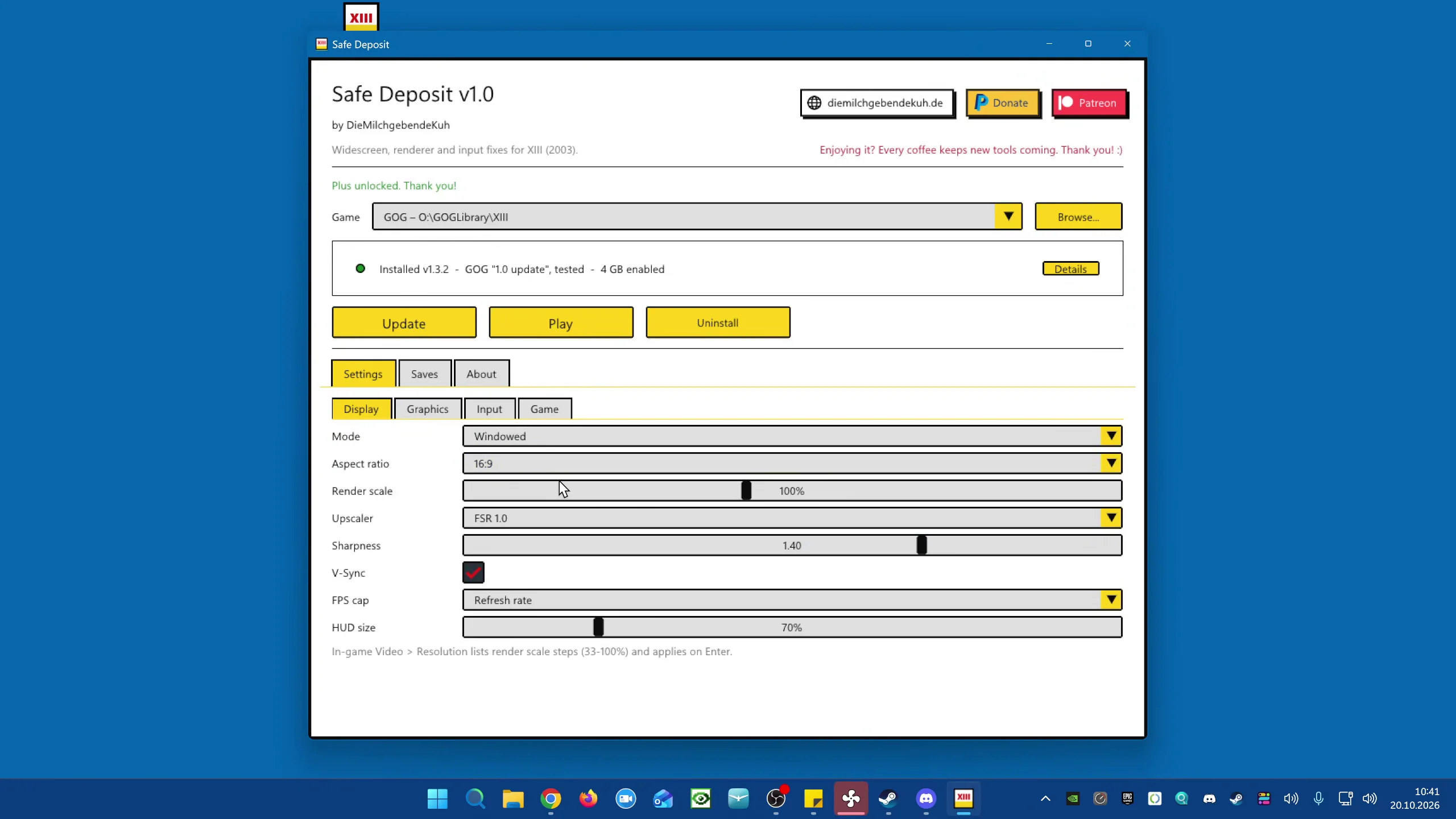
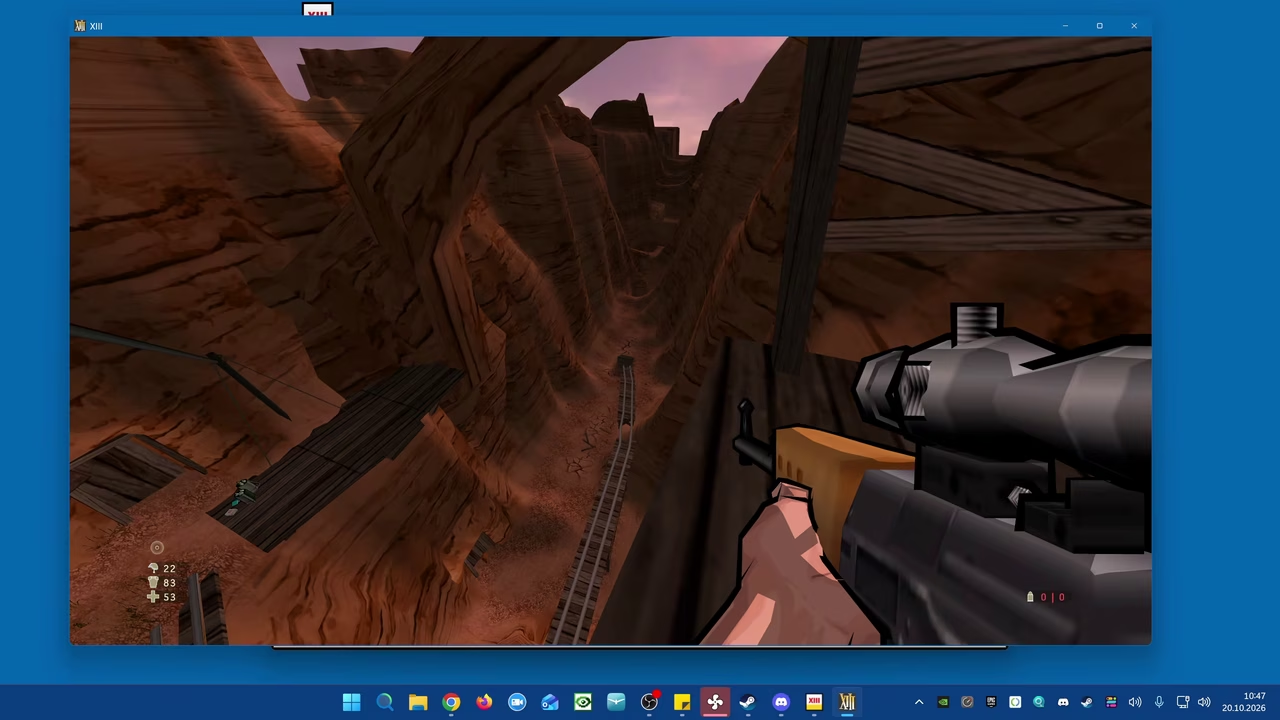
- Any resolution and aspect ratio, from 4:3 to 32:9, with Hor+ field of view: wider screens see more, nothing gets cut off
- Borderless fullscreen, or a window you can resize and move freely while you play, without losing the aspect ratio
- Render resolution independent of the window, upscaled with AMD FSR 1.0. Useful on 4K and 5K screens, or to save performance
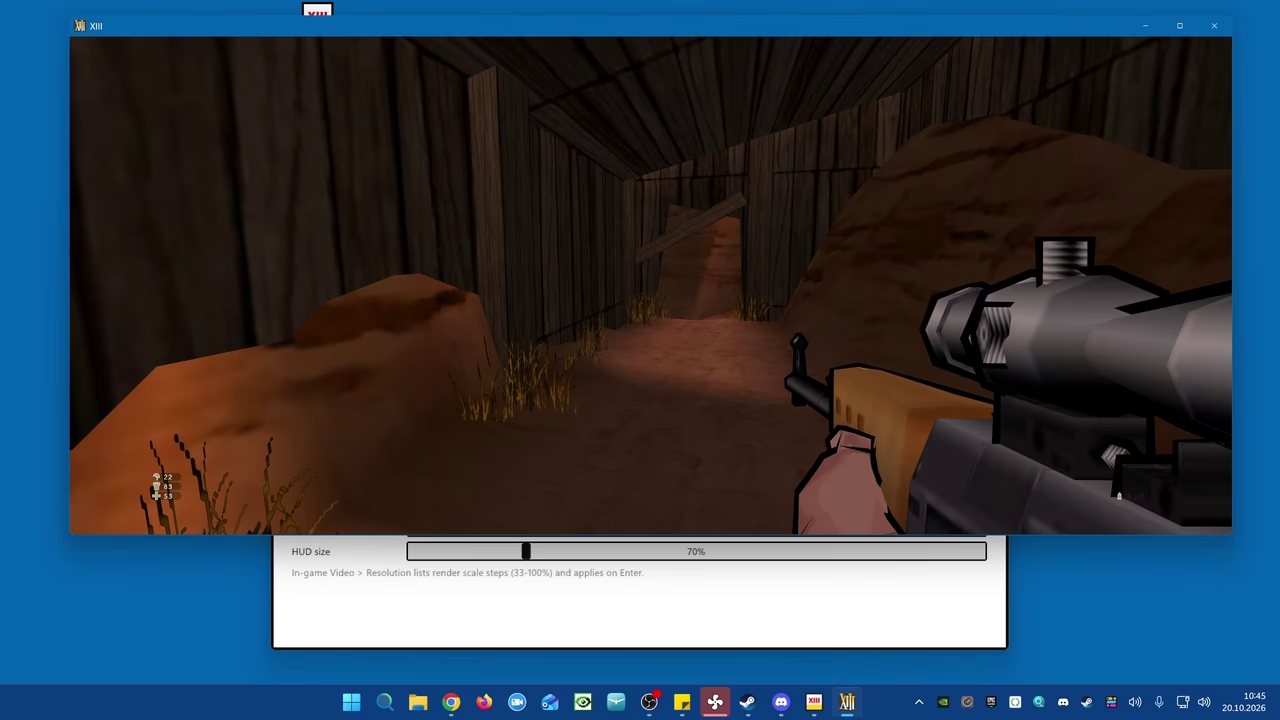
- Menus and HUD stay sharp and in place at any resolution. The HUD size is adjustable on its own
- Menu fonts re-rendered in high resolution (comic sans be gone! (if you will))
- Raw mouse input, 1:1 and without smoothing. In menus the cursor sits exactly under the Windows pointer
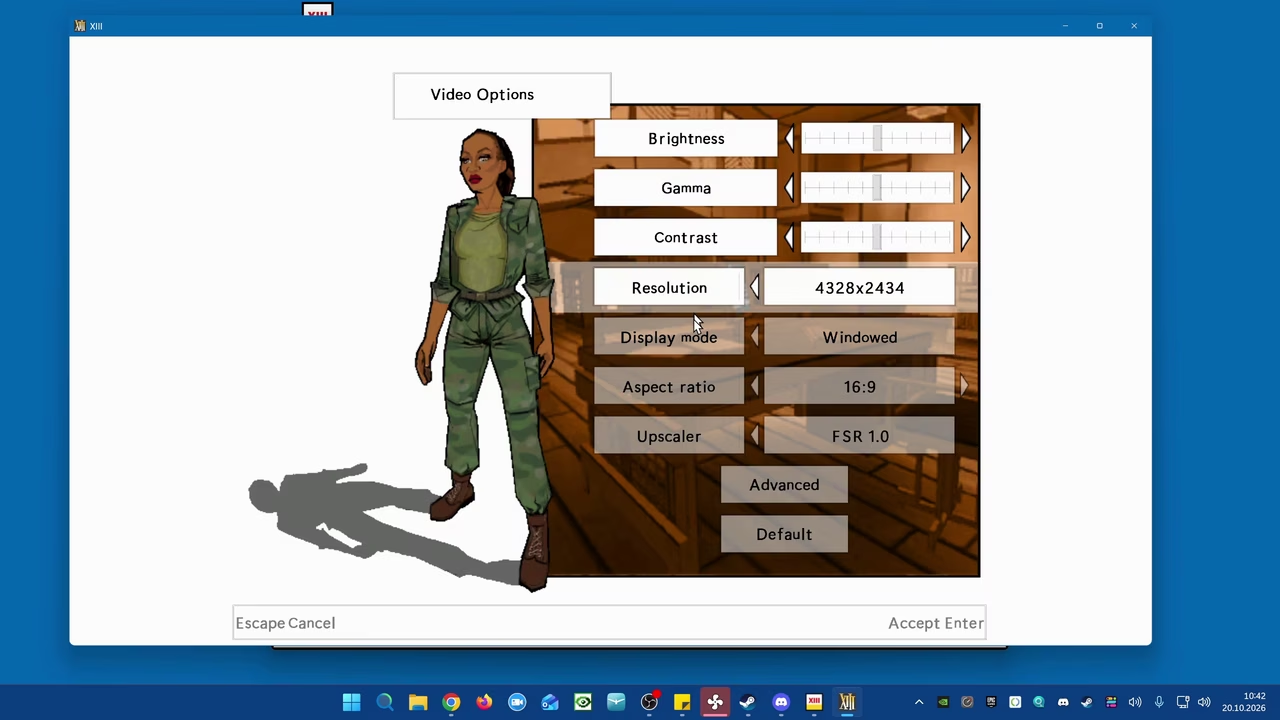
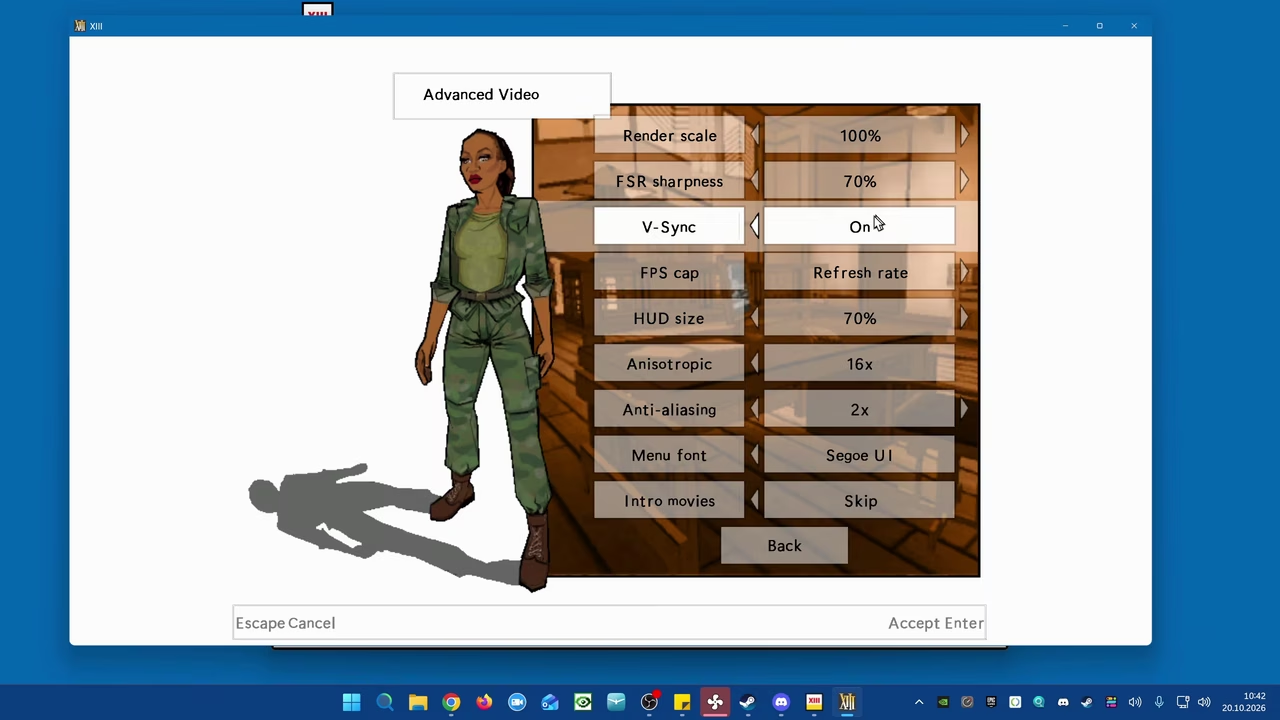
- All settings inside the game: native entries in its own video and control menus that look and work like the originals, or an overlay on F10 if you prefer. In five languages
- Text language switchable in the main menu
- Optional 4 GB memory patch, automatic save game backups, intro logos skipped
- One-click install and uninstall
See it in action
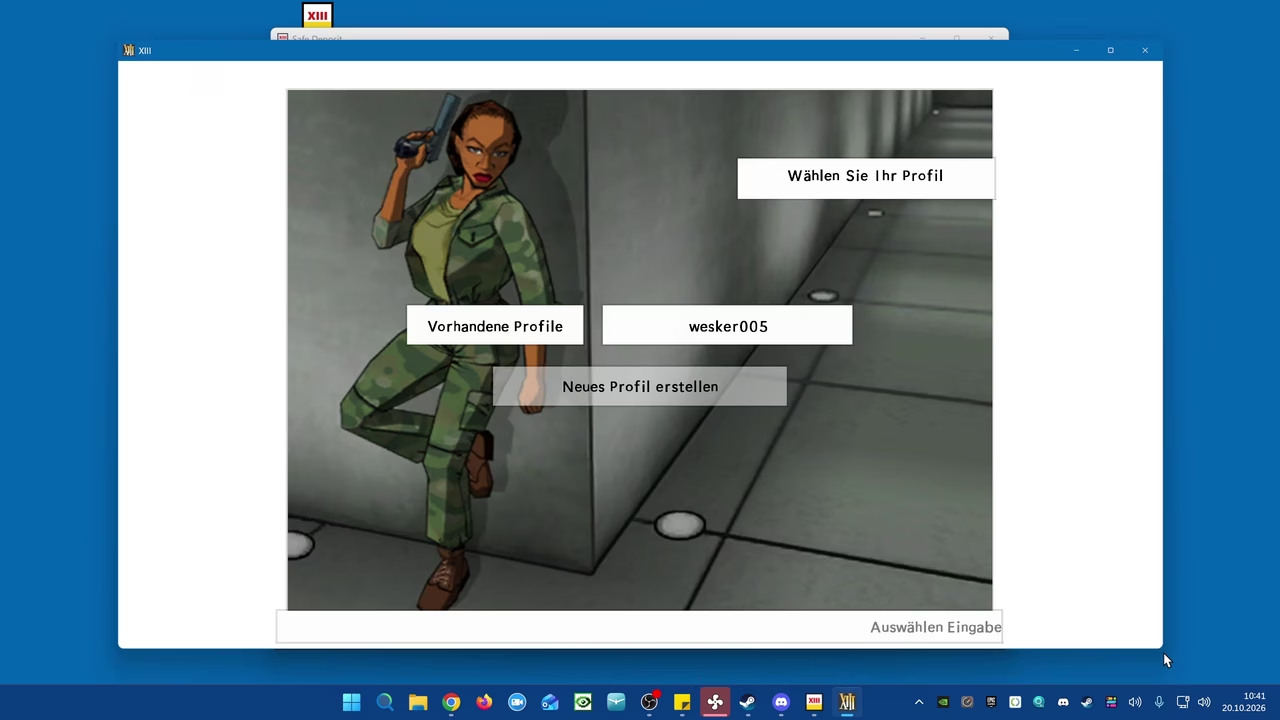
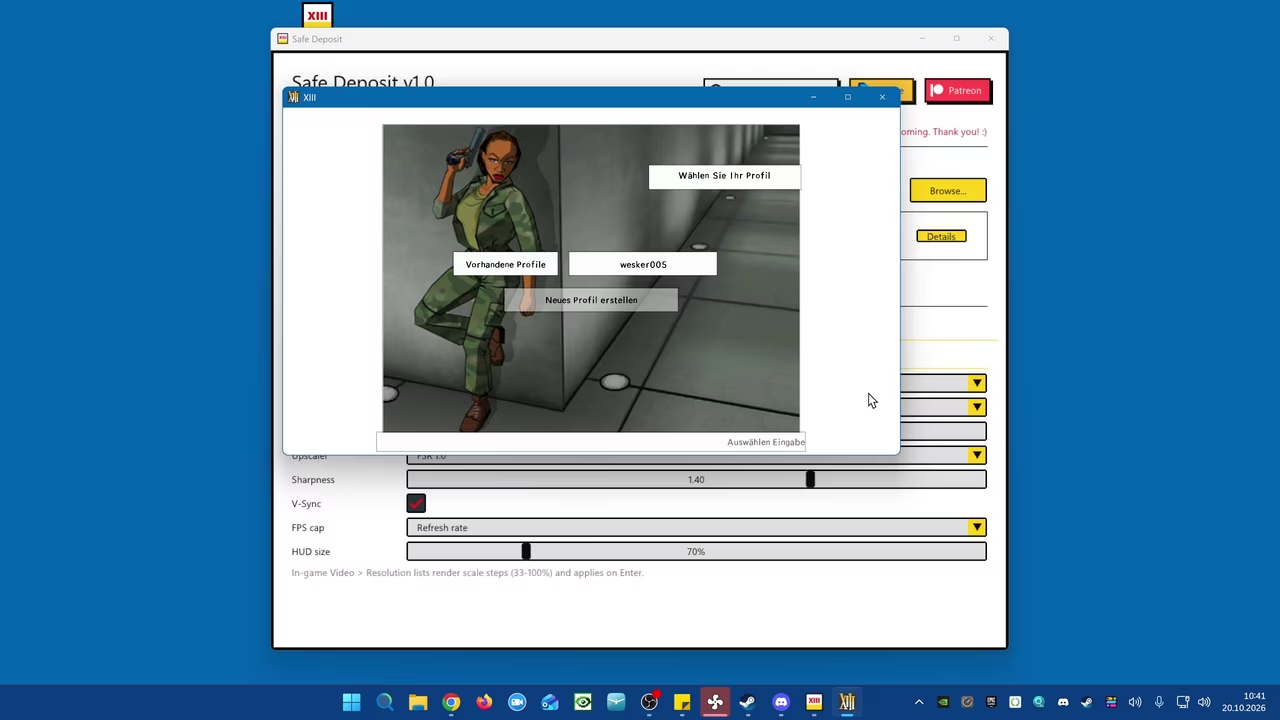
A short showcase of the tool and the game running with it. Screenshots of the launcher and the settings are further down.
Under the hood
For the curious, in plain words:
- Its own renderer. XIII speaks Direct3D 8, a graphics interface from 2001. Safe Deposit ships its own
d3d8.dllthat translates every call to Direct3D 9Ex and presents the image through a modern DXGI flip-model swap chain. That means low latency, VRR support (G-Sync, FreeSync), MSAA and 16× anisotropic filtering - Decoupled resolution. The engine believes it renders into a window of the internal resolution. The real window can be anything. In between sits the upscaler: FSR 1.0 (EASU and RCAS sharpening), Lanczos or bilinear
- Virtual canvas. XIII’s interface was laid out for 640×480. A virtual canvas keeps that layout and maps it onto the real resolution, so a menu at 5K looks like it did in 2003, just sharp
- Engine hooks. A small DLL hooks about 40 functions of Unreal Engine 2 while the game runs: window handling, field of view, input, menus. The extra menu entries are created through the game’s own UnrealScript functions, so they look and behave like the originals
- Raw Input replaces the old DirectInput mouse path. The game gets the mouse movement unfiltered
- Signed updates. The launcher only accepts updates signed with my key (ECDSA P-256) and checks every download (SHA-256)
Download
One download for everyone. With Plus you get the key that unlocks every feature, right next to the download.
Safe Deposit (XIII)
Gets XIII (2003) running properly on today’s PCs: any resolution, a freely resizable window, FSR upscaling and raw mouse input – all set inside the game.
1Download
Version 1.0 Free
Windows 10/11 (32- and 64-bit) · .exe · 2.7 MB · Oct 20, 2026
Checksum (SHA-256)
0e7a57679da320c32b56ab78a96f97e4d1f366748b8a77e88e4d341d296d074d
2Unlock the full versionPlus
The download is the same for everyone. You unlock the full version in the tool with a key – with Plus, the keys are right here.
Unlock with Plus– from €6.66 a month
Plus costs €7.95 a month or €79.95 a year (works out to €6.66 a month).
You keep all this going – new tools, updates and projects like the Terranigma decompilation. Plus pays for my time to make them.
Short on cash right now? Subscribe to me on Twitch – free with Prime, too – and link your account. You’ll have Plus for as long as the sub runs. Thank you – every bit of support counts.
What you need
- Your own copy of XIII (PC). Tested with the GOG release “1.0 update”; other versions may work, but I haven’t tested them
- Windows 10 or 11
Run Safe Deposit.exe, click Install, play. If Defender complains: it’s safe, trust me bro. The SHA-256 is listed next to the download if you’d rather check.
Found something weird?
If something looks off or the game misbehaves, tell me. I’m always happy about testers.
Unofficial fan project, not affiliated with Ubisoft or Microids. XIII is a trademark of its respective owners.
Leave a comment
You must be logged in to post a comment.