


Pandora Box: Modernisation Tool for Splinter Cell Pandora Tomorrow
A modernisation tool for Splinter Cell Pandora Tomorrow (2004) on PC: Hor+ up to 32:9, a new HUD, HD fonts, modern night and thermal vision. Free, with an optional Plus key.
 Big Update v2.0 · 2026-10-29Download: Pandora Box (Pandora Tomorrow)
Update from: Update v2.0
Copy link- Plus: the gun light is a slim light module on the weapon (under the pistol’s frame, on the rifle’s right side), always on the gun while the gun light option is on; the beam comes from its lens. Its brightness is adjustable (Settings, GAMEPLAY: Gun light brightness). Without a weapon in hand the light goes off
- Plus: water refraction. The harbour water in Dili also bends what lies under and behind it, as the game’s engine can (the shipped map had it off). Settings, GRAPHICS: Water refraction
- Main menu: INTRO plays the game’s intro movie again (skip it with Esc, Enter, Space or a click, as at the start). With “Skip intros” on, the game starts straight in the menu and the intro is still one click away
- Plus: mission parts selectable. Load game > Level also lists the parts of a mission (Dili, Timor 1 and 2 …), each one once the profile has reached it, the way the game unlocks missions; the parts are listed indented under their mission. Settings, GAMEPLAY and the game’s options page PANDORA: Mission parts selectable
- Plus: the game’s own pistol, improved: round silencer instead of the hexagonal one, all edges slightly rounded, closed parts (nothing to see through when the slide moves back), the original texture. Settings, GAMEPLAY: Pistol: Original, Original improved or Double Agent
- Plus: the HUD’s pistol symbol matches the chosen pistol (with HD HUD symbols)
- Plus: lethal grab. With an enemy grabbed from behind, Fire shoots him with the pistol held to his head, Alt fire knocks him out. The shot costs a round and is heard like any other, an empty clip only clicks; he is dead, so missions that forbid killing count it. Settings, GAMEPLAY: Lethal grab
- Plus: modern weapon feel. A shot now feels fired: the view kicks up and springs back (only the picture, the aim stays), the reticle jumps open, a fuller shot sound with the metal of the slide and the echo of the room it is fired in, a faint light at the muzzle, a kill holds the game for a blink, hit marks come a moment after the shot; reloading and an empty clip move the view a little, spent shells clink when they come to rest. Settings, GAMEPLAY: Weapon feel (recoil strength, sound volume, hit stop, muzzle light)
- Plus: enemies wake up. A knocked-out enemy comes round by himself, each in his own time (some after a minute or two, most after a few, some never), gets up dazed and searches the area. Settings, GAMEPLAY: Enemies wake up
- Plus: fair search. After losing Sam the guards search where they last saw him, not at his real position (the game searched there, a developer shortcut); dogs still follow the scent. Settings, GAMEPLAY: Fair search
- Plus: gun light. The 4th mouse button or L (both can be changed) switches a light on Sam’s weapon (the game’s hidden developer light); while it shines, enemies who can see Sam see him. Settings, GAMEPLAY: Gun light
- Plus: noise bar under the light meter (the game’s cut sound bar), and a faint arc towards whoever hits Sam
- Plus (realism option, off by default): magazine reload. Reloading drops the rounds left in the old magazine; the HUD’s number counts spare magazines
- Plus: missing colleague. A man you took out is missed by one of his group after a while (45-120 s), who says so and looks for him. Settings, GAMEPLAY: Missing colleague
- Plus: the alarm cools down. After a few quiet minutes (no guard sees you or shoots) the alarm drops a stage: Lambert tells you, guards take off helmet and jacket (the game did this only at some checkpoints, and only on Normal). Settings, GAMEPLAY: Alarm cools down
- Plus (option, off by default): lights noticed. A light shot out or switched always makes guards look and search
- Plus: a third difficulty, Realistic (Realistisch, Réaliste, Realista, Realistico), chosen with Normal and Hard when creating a profile. To the game it is Hard; on top wake-up, fair search, missing colleague, alarm cool-down, lights noticed and magazine reload are always on and locked, guards see about a fifth further and search half as long again, and there are no cheats. On Normal and Hard every option stays free
- Cheats: infinite ammo, can’t be hurt, and refills for ammo, gadgets and health (CHEATS page); quick wake-up for trying “Enemies wake up”
- Plus: soft shadows. Shadow edges filtered over nine reads of the shadow map instead of the hard, stepped edge; the shadow itself as dark as before. Settings, GRAPHICS: Soft shadows (also in the game’s Options, Graphics)
- Two new tabs in the game’s Options, in the game’s own style: HUD (layout, styles, size, fonts, HD symbols and reticles, headshot feedback, noise bar, damage direction) and PANDORA (weapon feel, enemies, player, pistol, missions). Plus rows greyed without a key, (R) rows locked on Realistic; Graphics keeps image, display, graphics, effects Changed
- Sharp effects: the game’s small effect images (glow, thermal heat image, the water’s reflection) are now made at the full picture size: the reflections on the water no longer show stepped edges Removed
- HUD: the manual arrangement on screen and the size and position of single elements (too much to look after); the HUD size and the two layouts (original, compact) stay
Earlier updates 2
: Update v1.02
- Cheats in the settings (F10, CHEATS page): invisible to enemies, freeze enemies, no clipping. The game’s own console
cheats as switches; they stay on across levels and saves until switched off - Launcher: VERSIONS page with every version and what it brought
Changed - Launcher and F10 settings redesigned: flat display without gradients, menu on the left, framed pages, small
16-bit style motion (pointer, status lamp) - F10 settings sorted into pages: FEATURES (overview, each line opens its page), DISPLAY, GRAPHICS, EFFECTS, HUD,
GAMEPLAY, INPUT, CHEATS - F10 settings window: text size adjustable (70-130 %), window resizable at its bottom right corner; both are kept
- HUD: choosing a layout sets light meter, health bar, weapon panel and text boxes back to it
Fixed - Quick inventory (Ctrl) with the modern HUD: hovering and selecting now hit the item under the pointer, also at the
ends of the row and in the rifle’s ammo list (sticky camera, smoke grenade …) - Headshot feedback: a headshot on an enemy sitting at a desk now shows the mark and plays the sound
- Headshot feedback: knocking an unaware enemy out with one blow no longer counts as a headshot
- Thermal vision with sharp effects: the heat image sat beside the bodies (most visible on the feverish enemies in the
last mission); it now lies on them again, at full sharpness
: Update v1.01
- Recording or streaming with OBS (game capture): the picture no longer freezes when a level loads, and the game no longer crashes some time later
A modernisation tool for Splinter Cell Pandora Tomorrow (2004) on PC. It runs the game properly on current Windows and hardware and adds what the PC port never had. It goes beyond a renderer fix: new HUD, fonts, symbols and weapon models, with more models and textures to come.
What it is
No game files are changed: two DLLs in the system folder, one launcher to install, configure and remove.
What it does
Free
- Borderless and windowed mode, any resolution and aspect ratio (Hor+ up to 32:9)
- Fixes for current systems: HUD and menus at high resolutions, mouse input, sound
- HUD size and layout (original, compact, free positioning per element)
- SMAA, MSAA, anisotropic filtering
- Shadow buffers at 2x to 8x resolution, effect buffers at full resolution
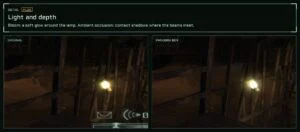
- Modern night vision: fine film grain instead of the coarse noise, lifted darks, soft highlights, a halo around lights
- Modern thermal vision: a sharp heat image with contours instead of the blur, no edge seam
- Raw mouse input, 1:1 aim, FOV, controllers off/on
- Skip intro videos, screenshots (F11)
- Test keys: F2 win mission, F3 free camera, F4 before/after
- Settings in-game (F10) and in the game’s own options menu
- EAX sound via DSOAL/OpenAL Soft
Plus
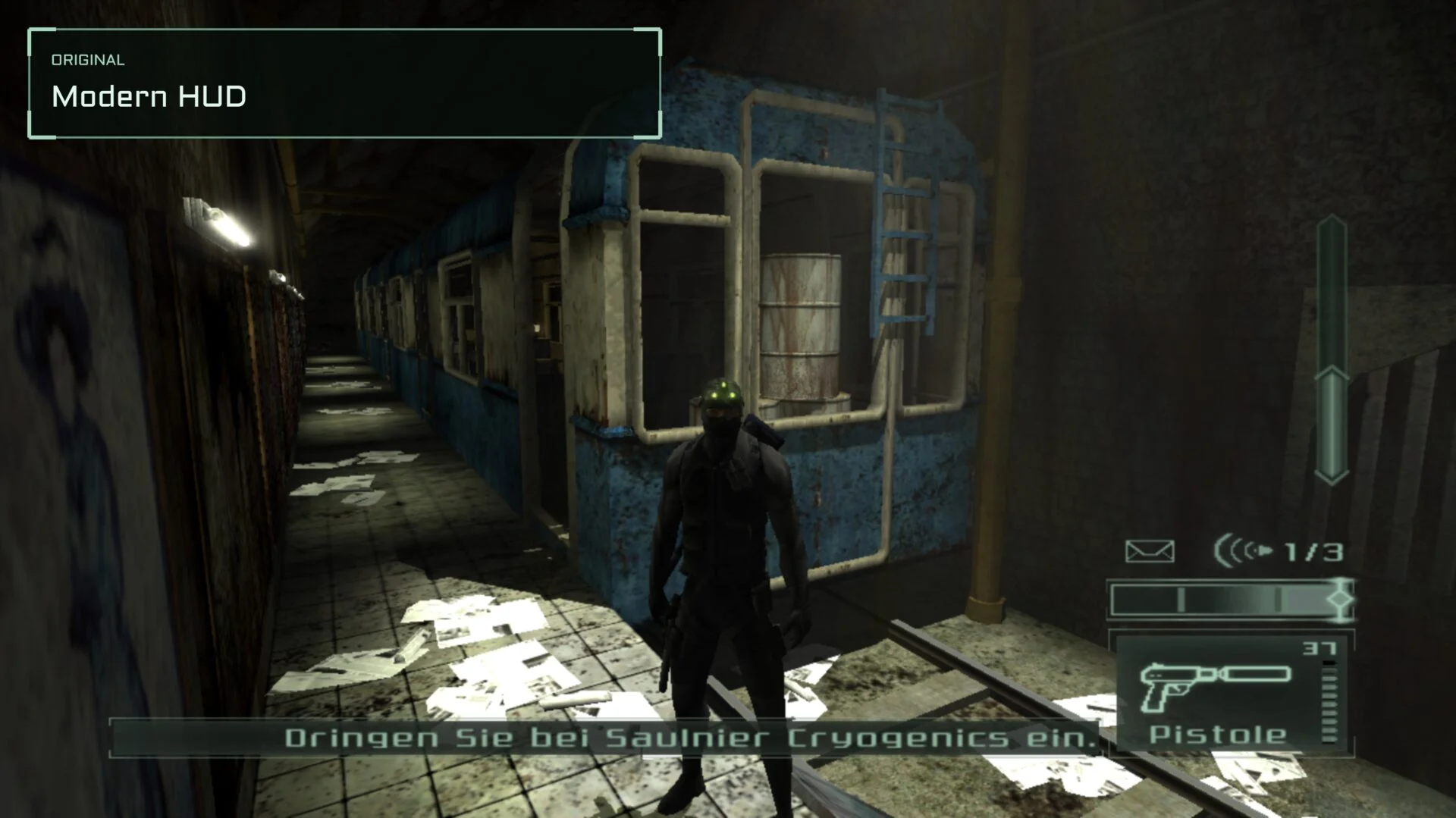
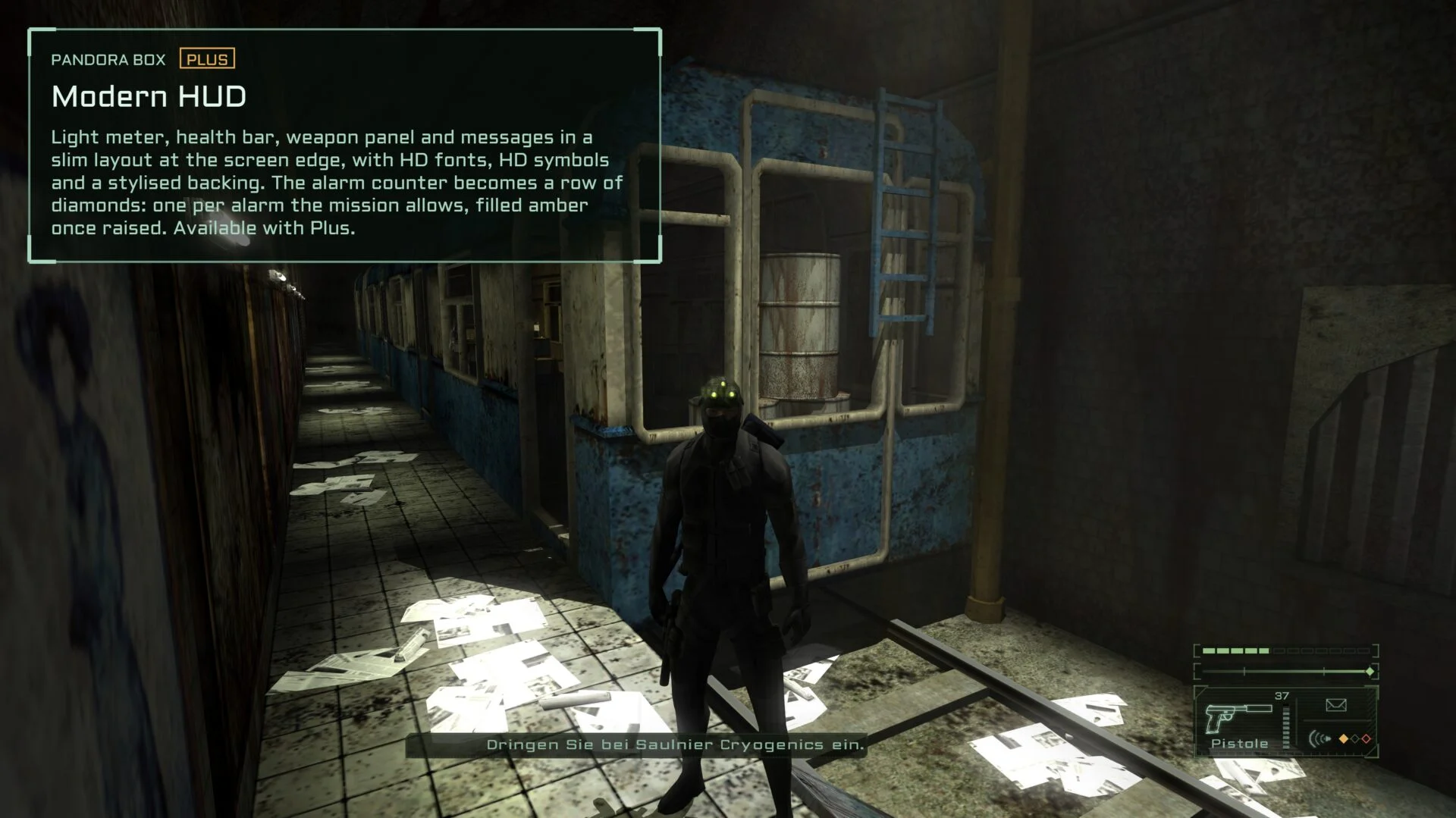
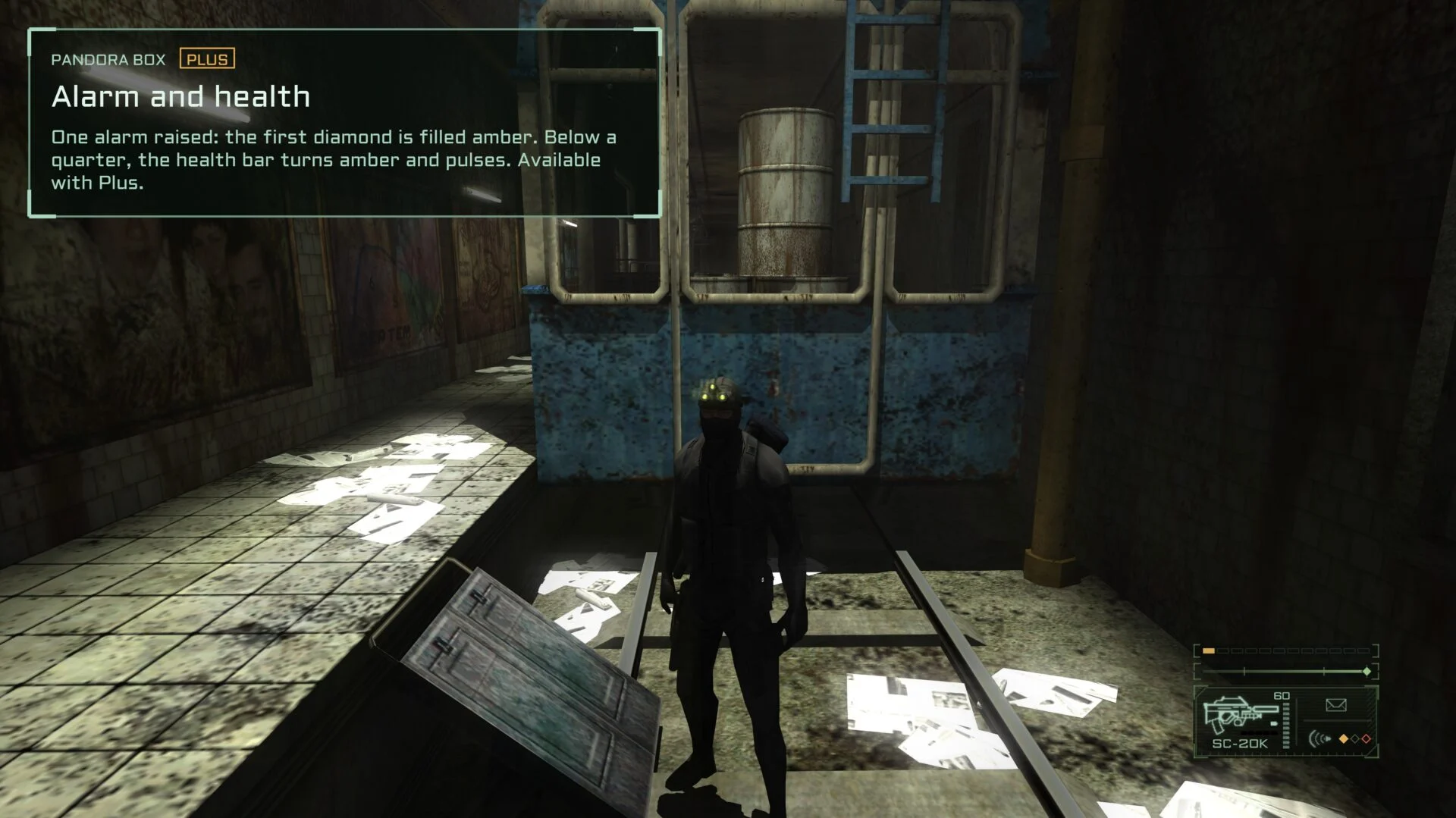
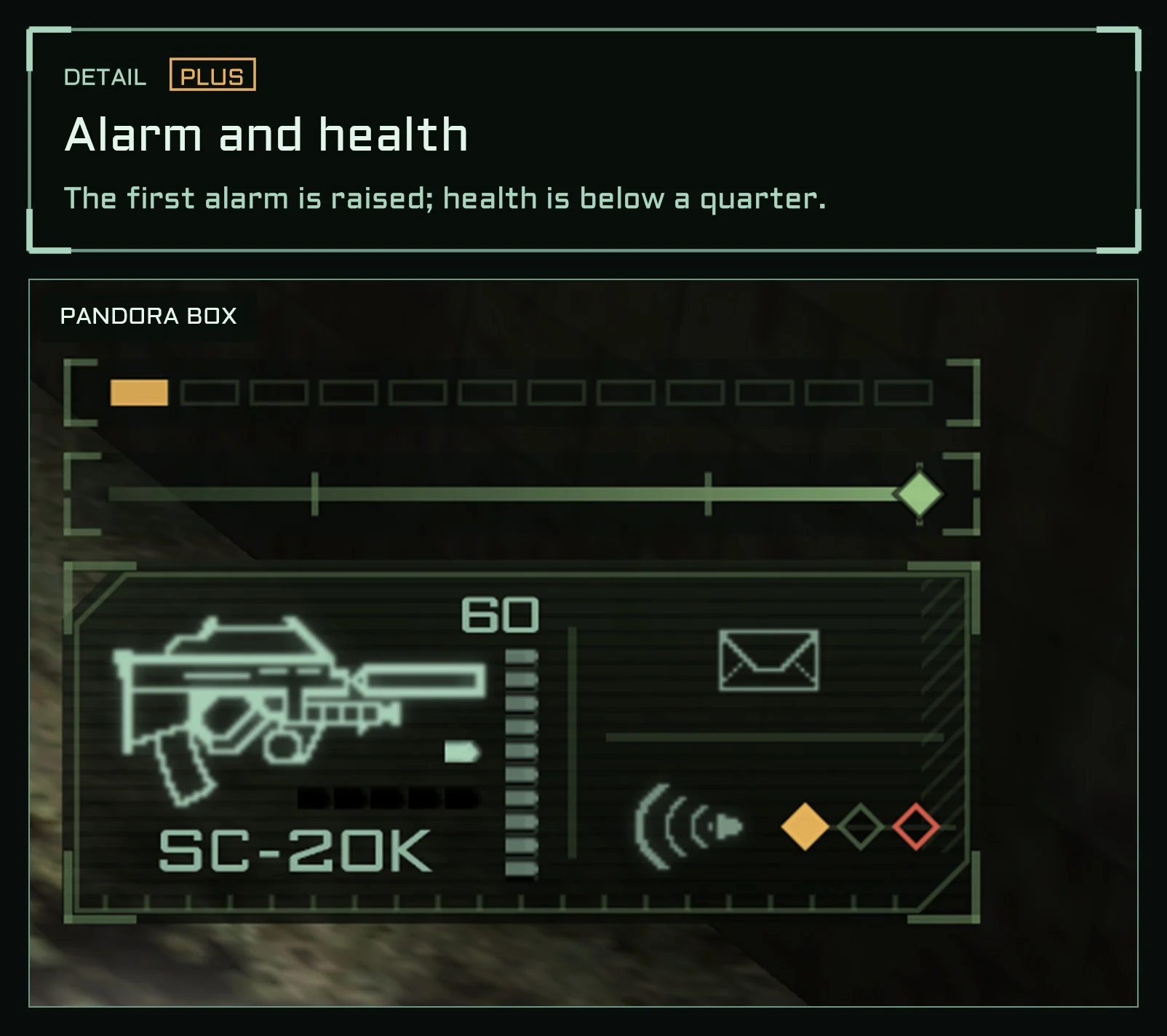
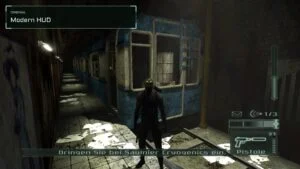
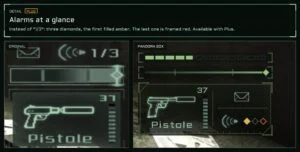
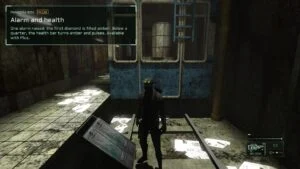
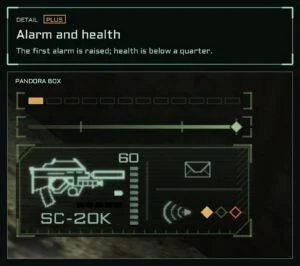
- Modern slim HUD. The alarm counter becomes a row of diamonds instead of “0/3”: amber for each alarm raised, the last one framed red and pulsing once it is all that is left. You see the situation at a glance.
- HD fonts (5 faces), drawn at the screen’s resolution
- HD HUD symbols, line drawings
- HUD backing: a stylised dark panel behind the HUD elements, strength adjustable
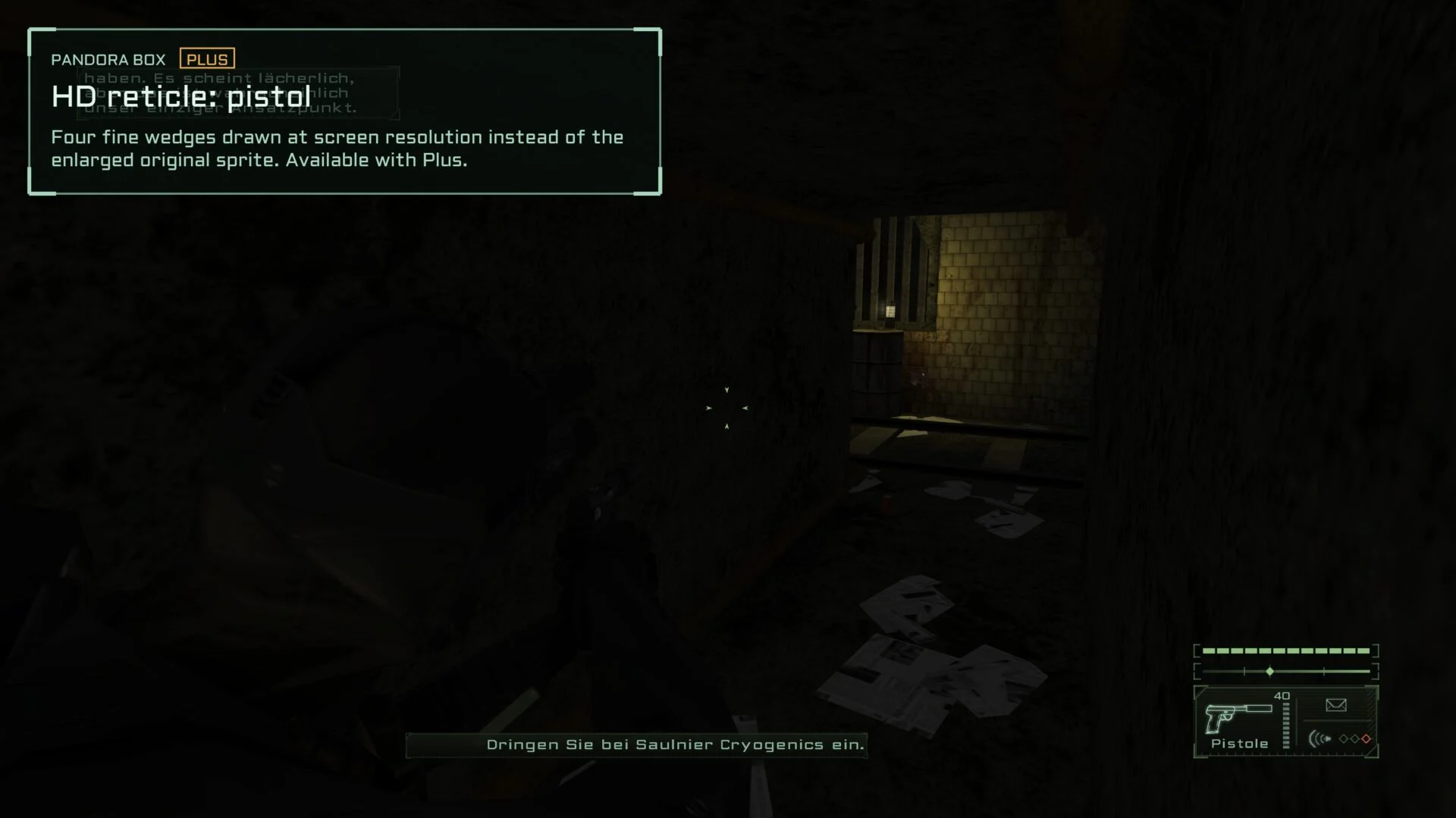
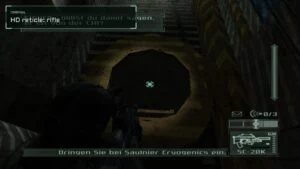
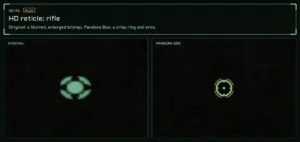
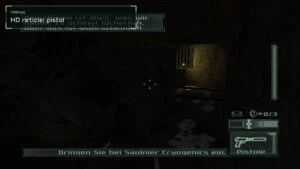
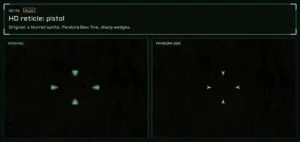
- HD reticles for pistol and rifle, drawn at the screen’s resolution
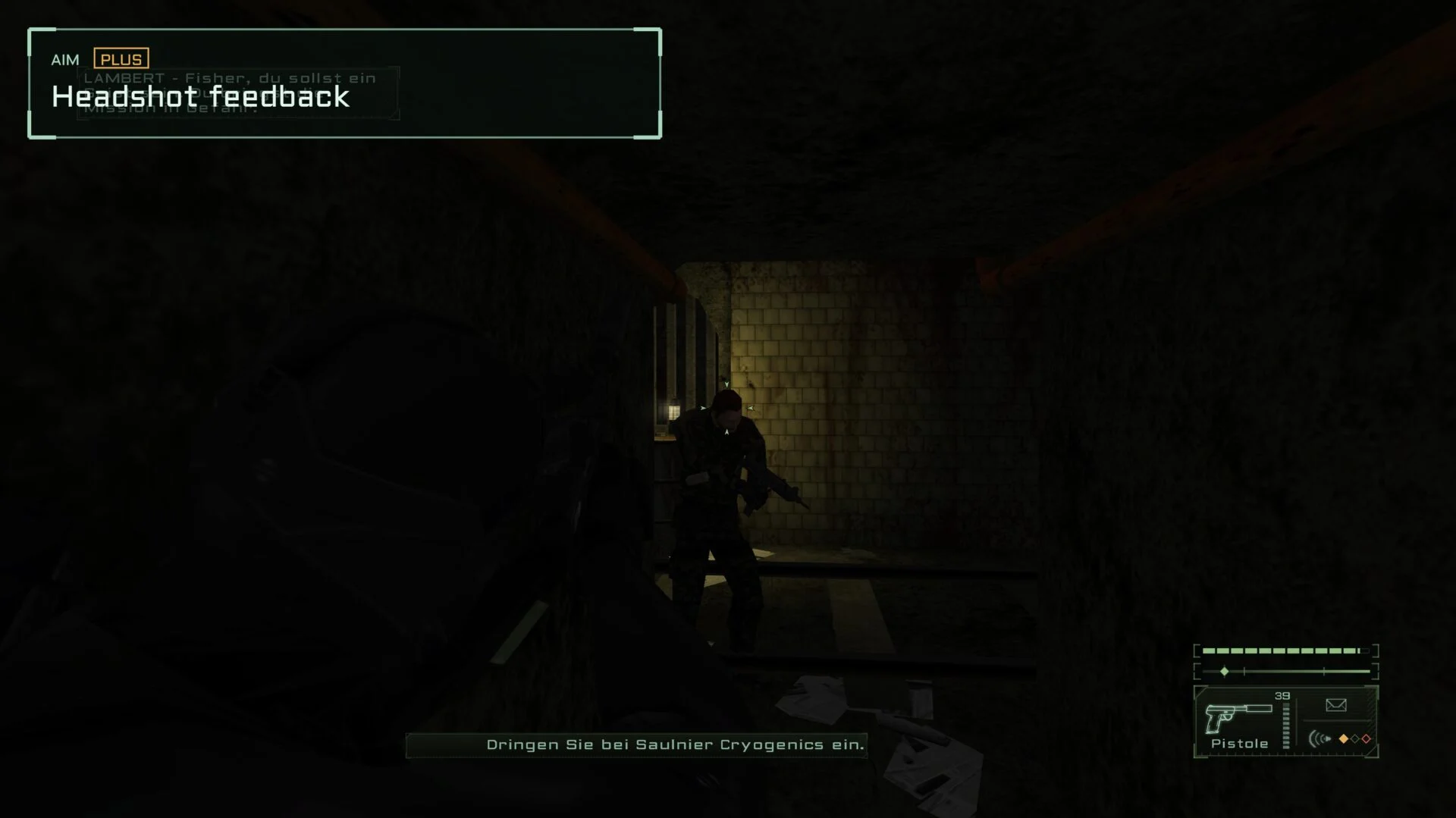
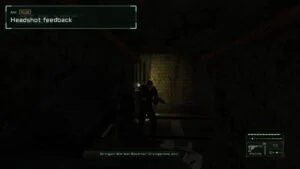
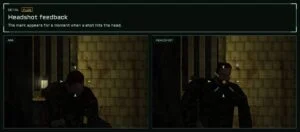
- Headshot feedback: a short mark at the crosshair (corners, brackets, diamond or pulse) and an optional sound, volume adjustable
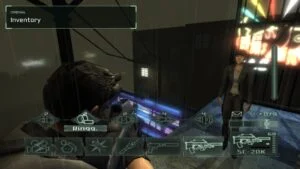
- Quick inventory (Ctrl) with HD symbols and the HD font
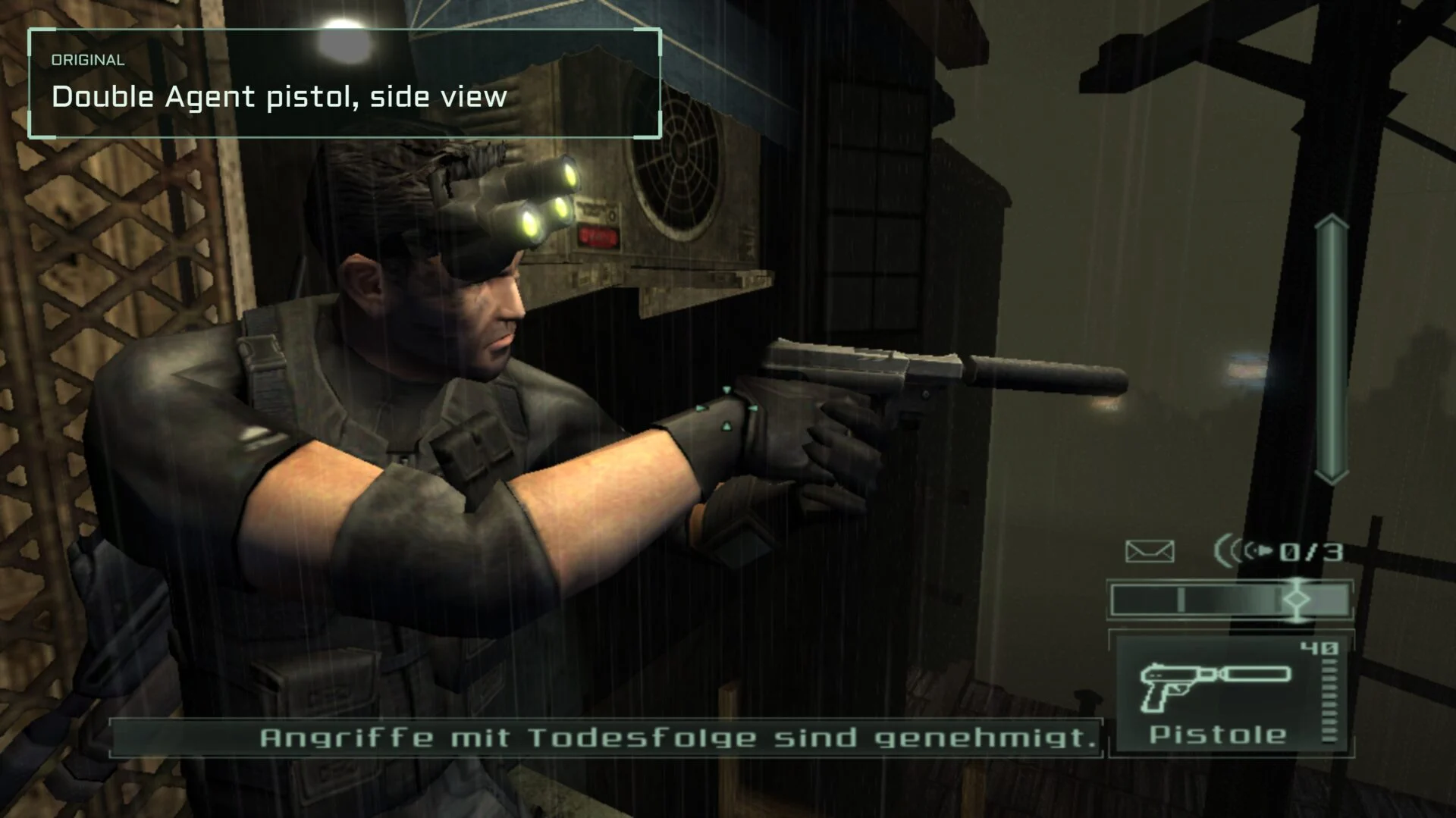
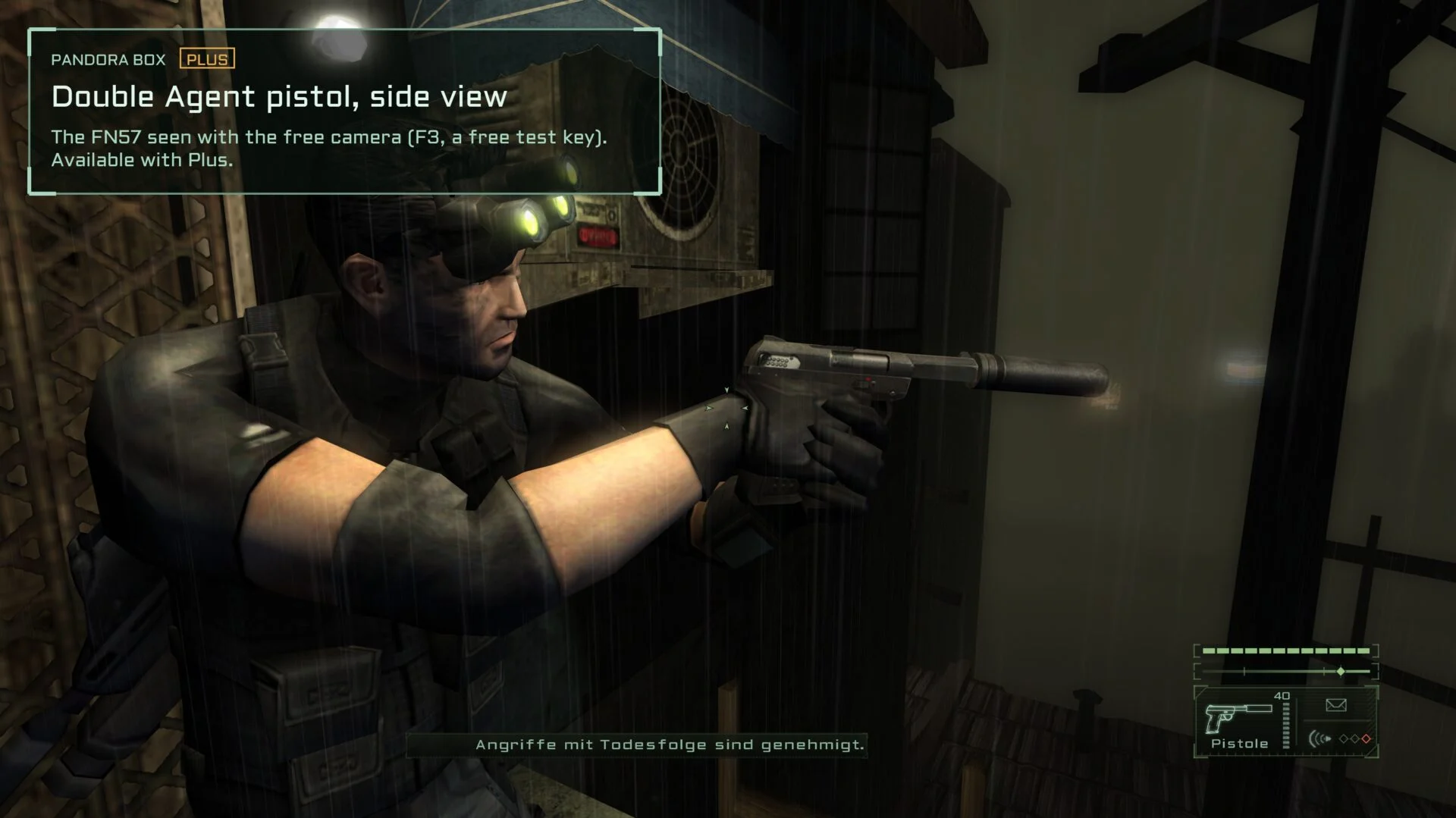
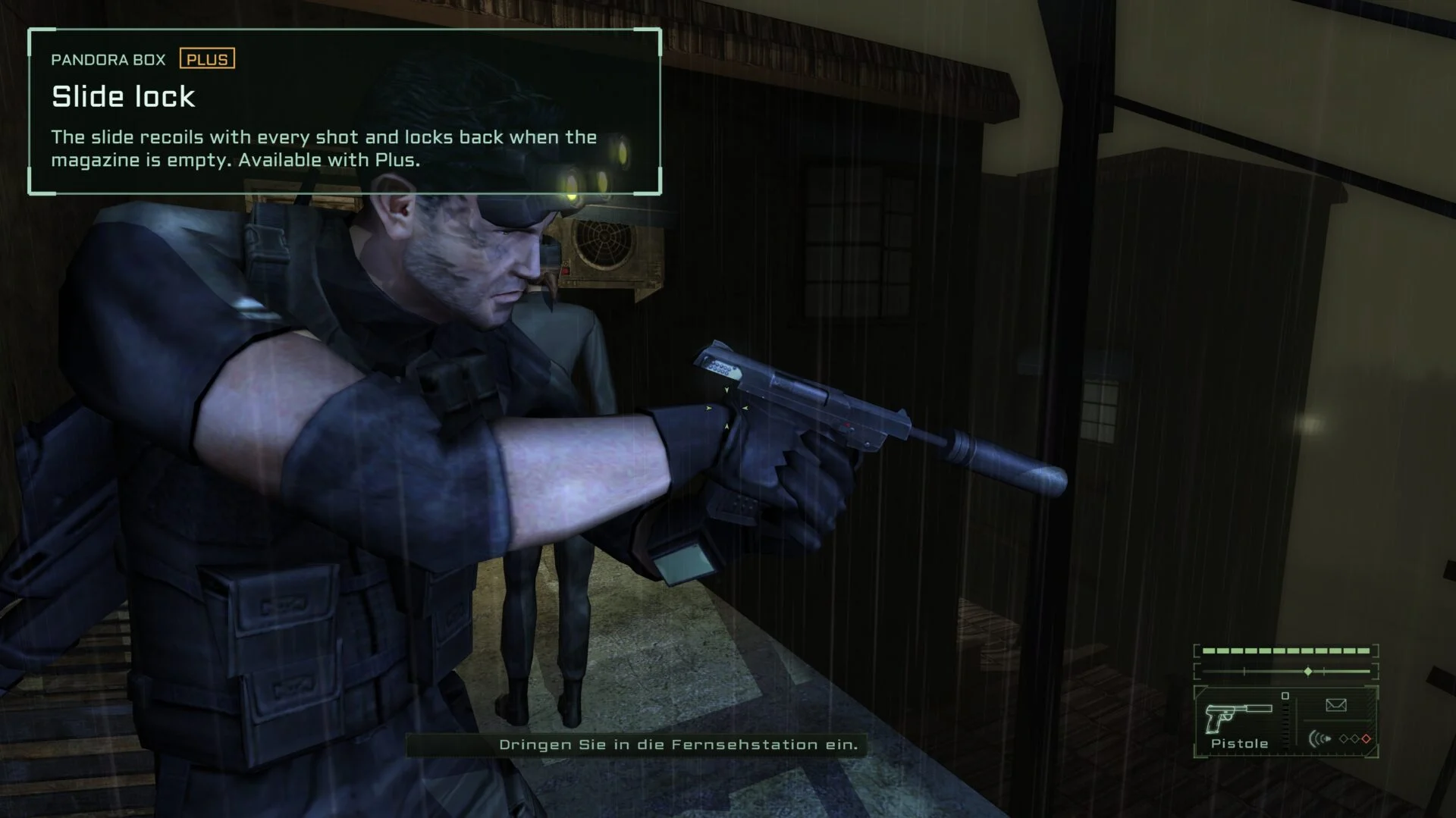
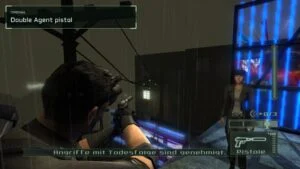
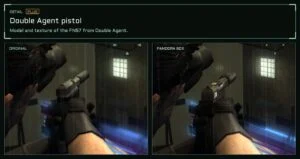
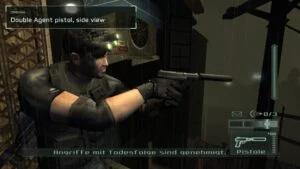
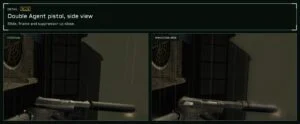
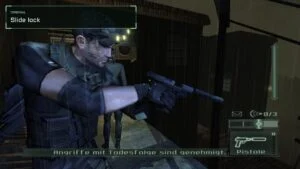
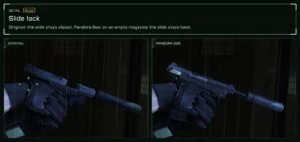
- Sam’s FN57 from Splinter Cell Double Agent: model, texture, slide recoil, the slide locks back on an empty magazine (needs your own copy of Double Agent; select its
SplinterCell4.exe) - Ambient occlusion, bloom, depth of field
- Render scale (supersampling), FSR 1.0 and Lanczos upscaling
Experimental
Plus, off by default.
- Radio call grace: an enemy who spots you radios in, and the alarm goes up when the call ends, about two seconds later. The call can take up to four seconds longer, time to take him out before the alarm.
- Included and working in our tests, but not yet tested in every situation. Feedback is welcome.
See it in action
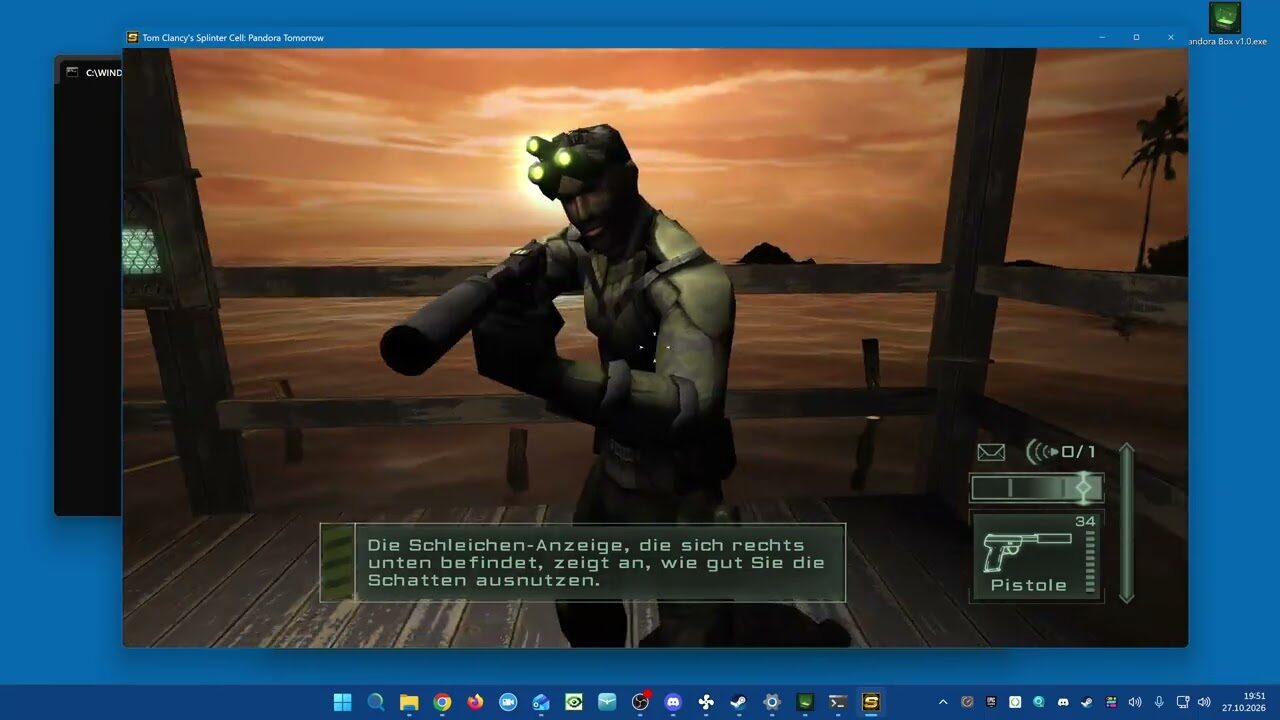
The showcase video runs through the features of the tool.
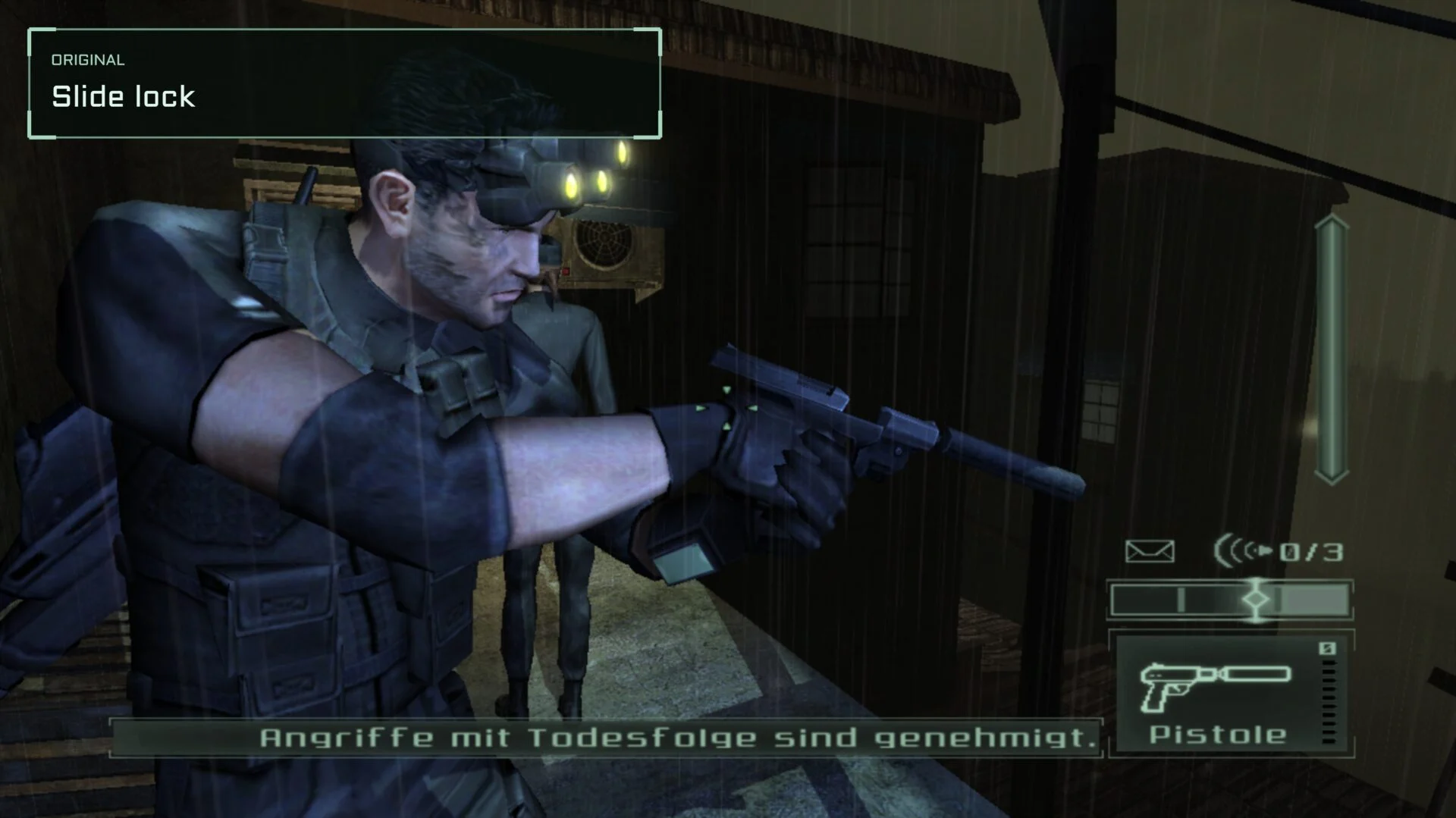
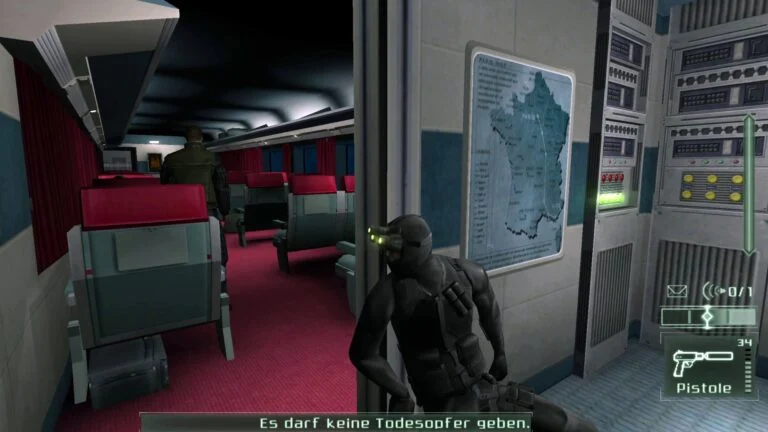
Each comparison below shows the original look first and Pandora Box second, most with a detail crop from both: edges, lighting, reticles, headshot feedback, HUD, inventory and the Double Agent pistol.
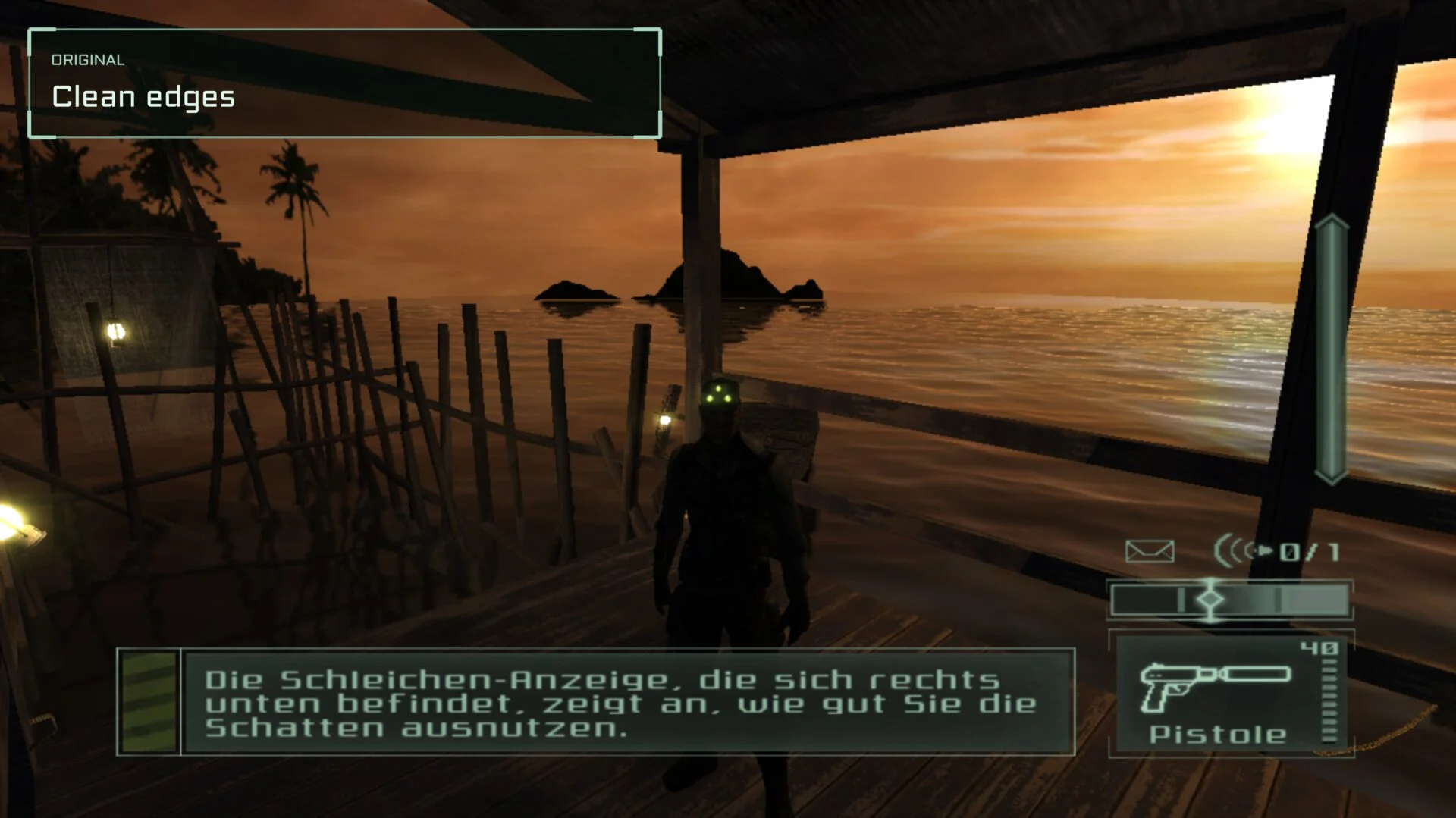 Original
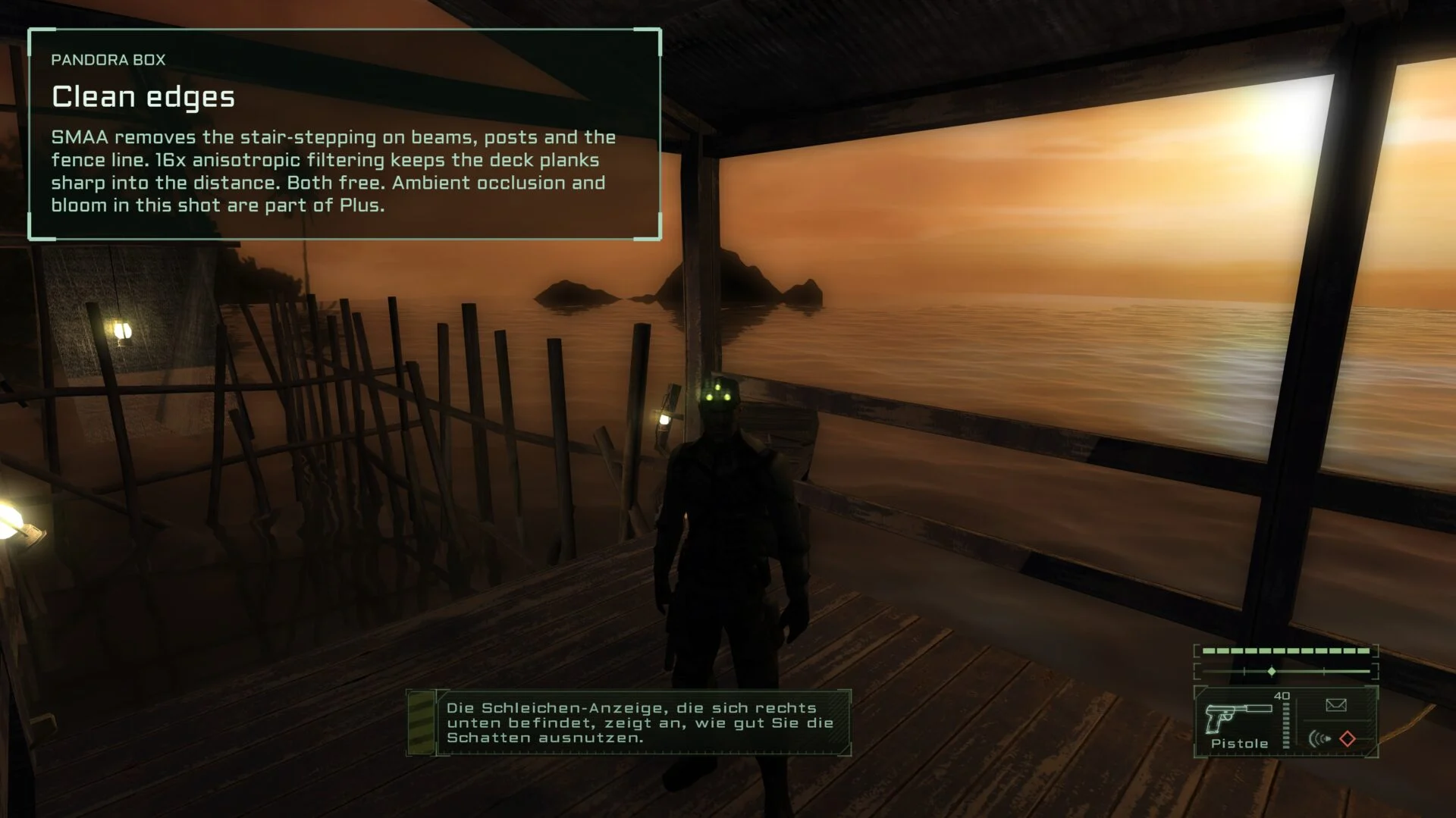 Pandora Box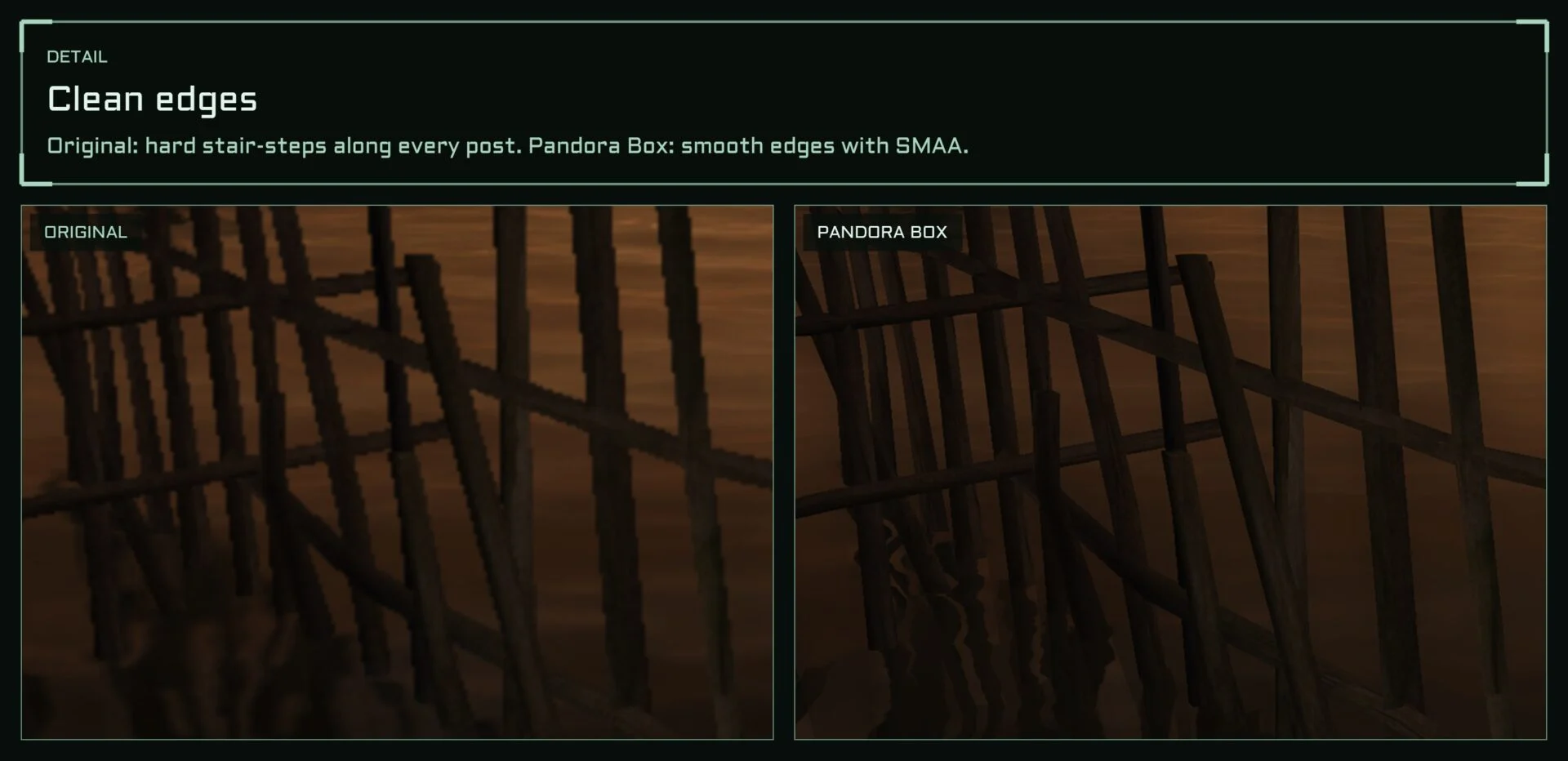
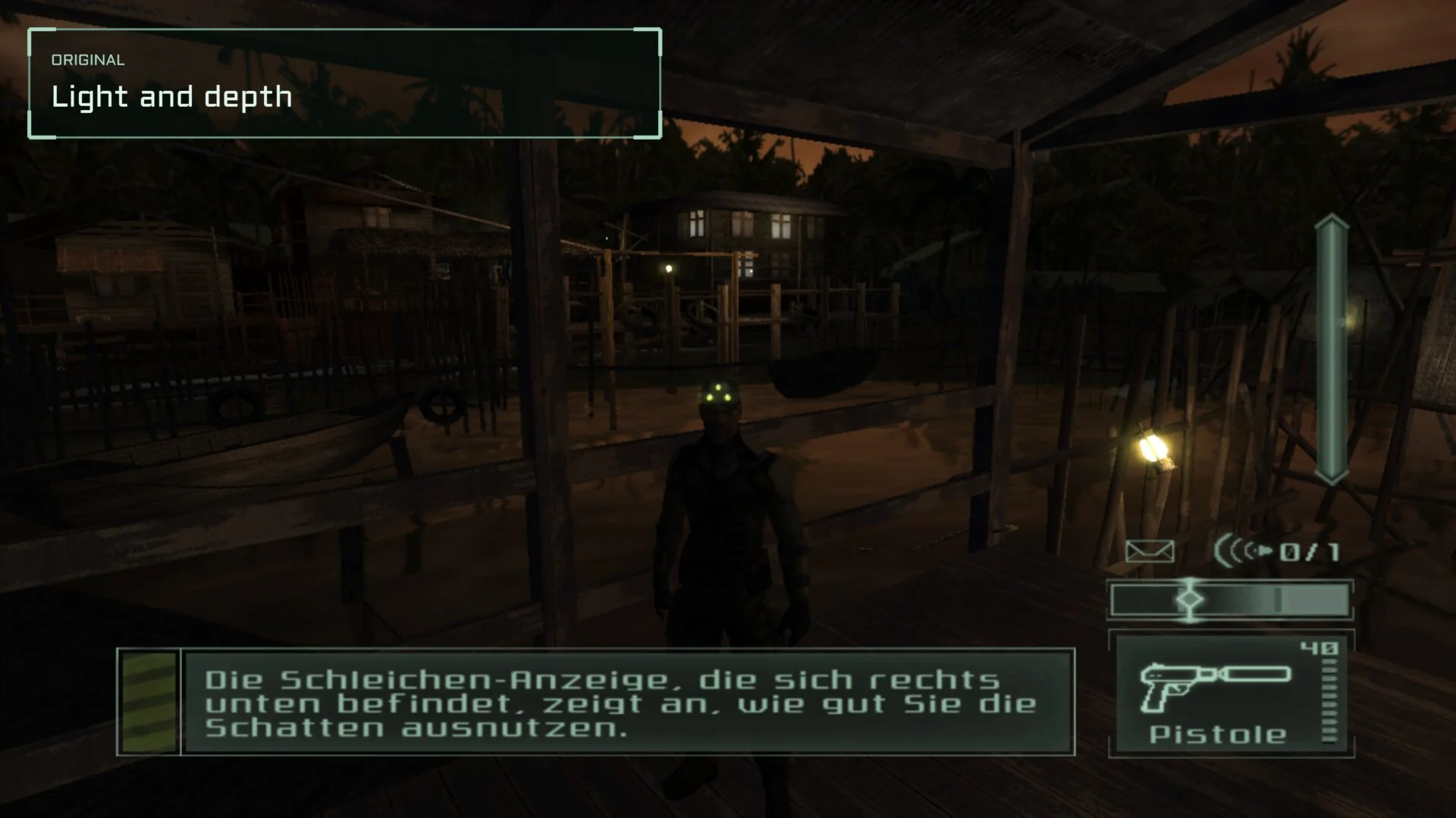 Original
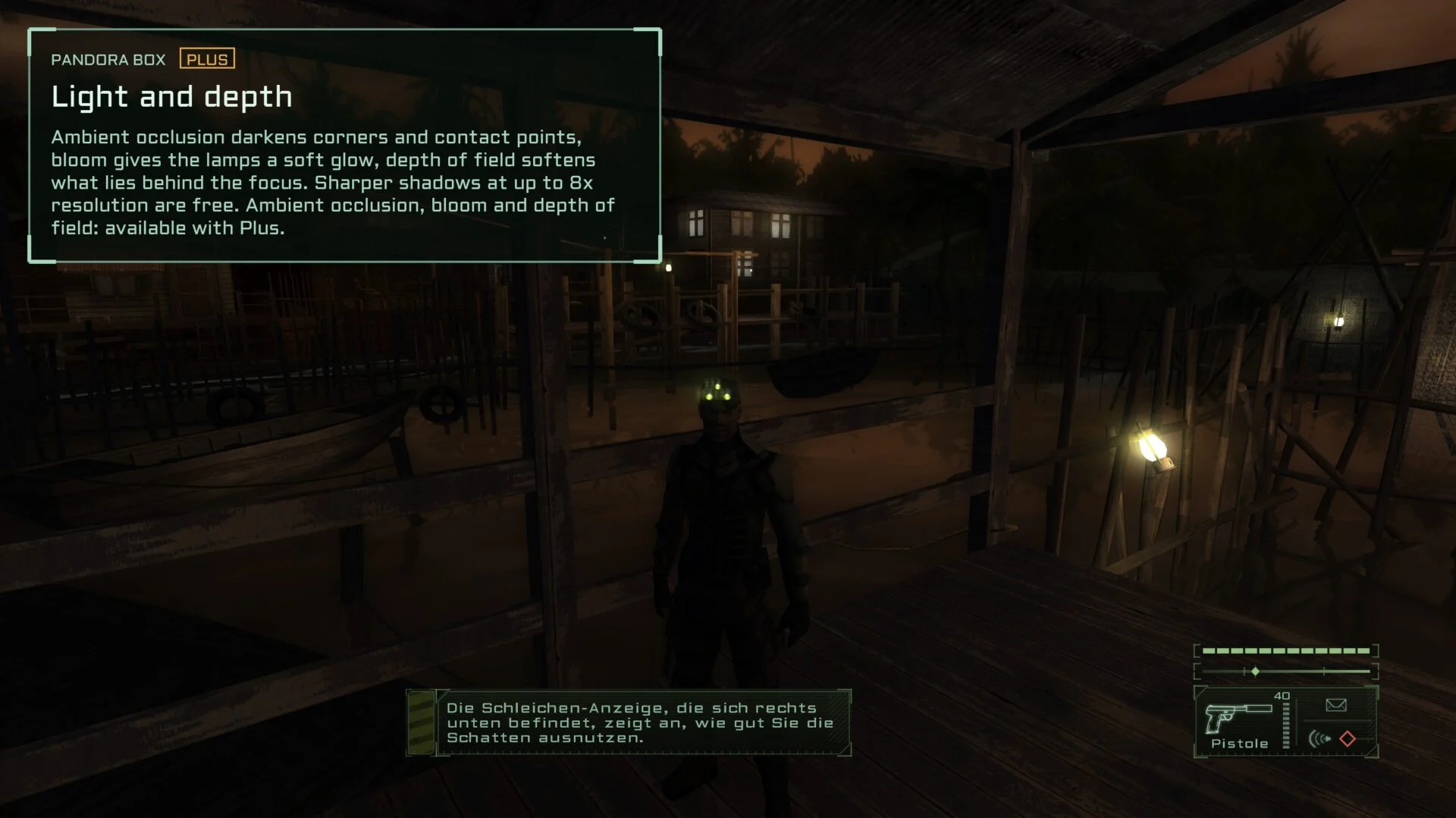 Pandora Box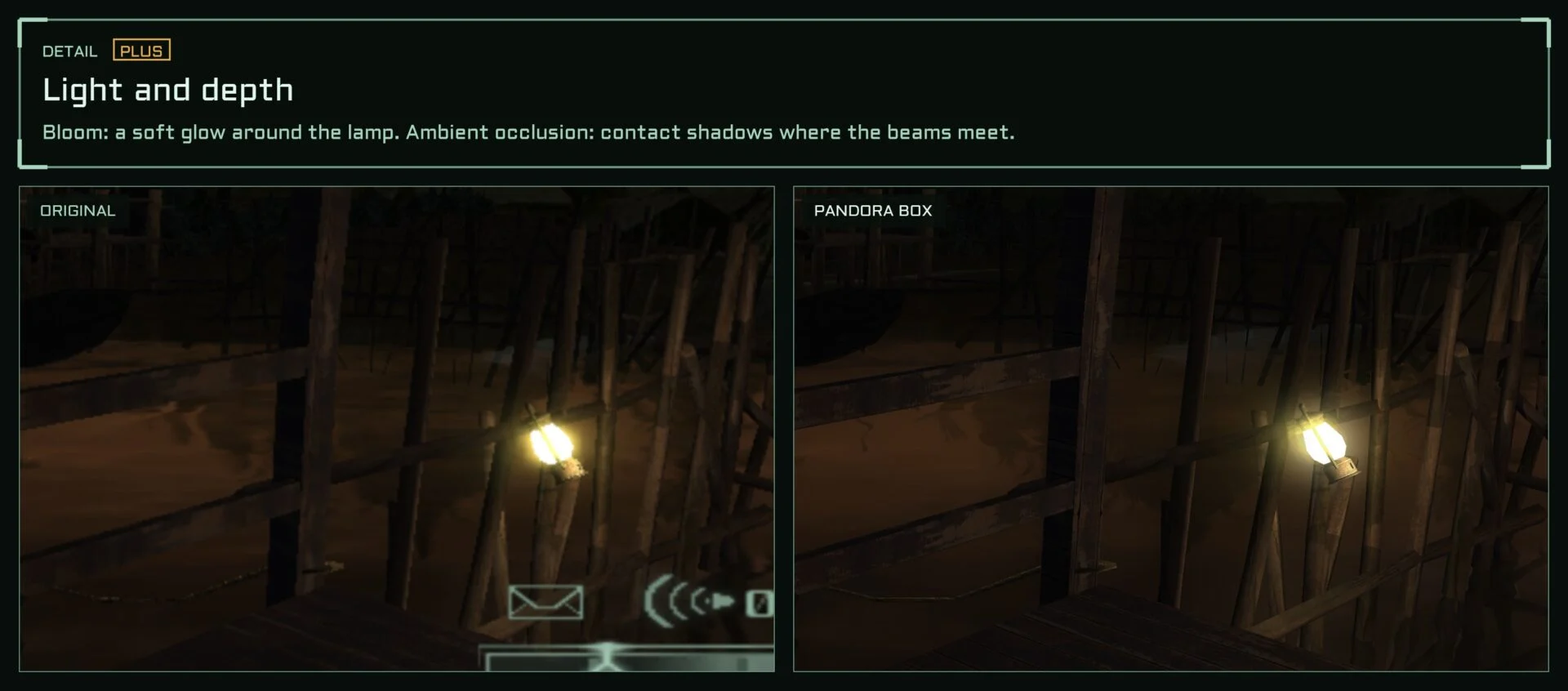
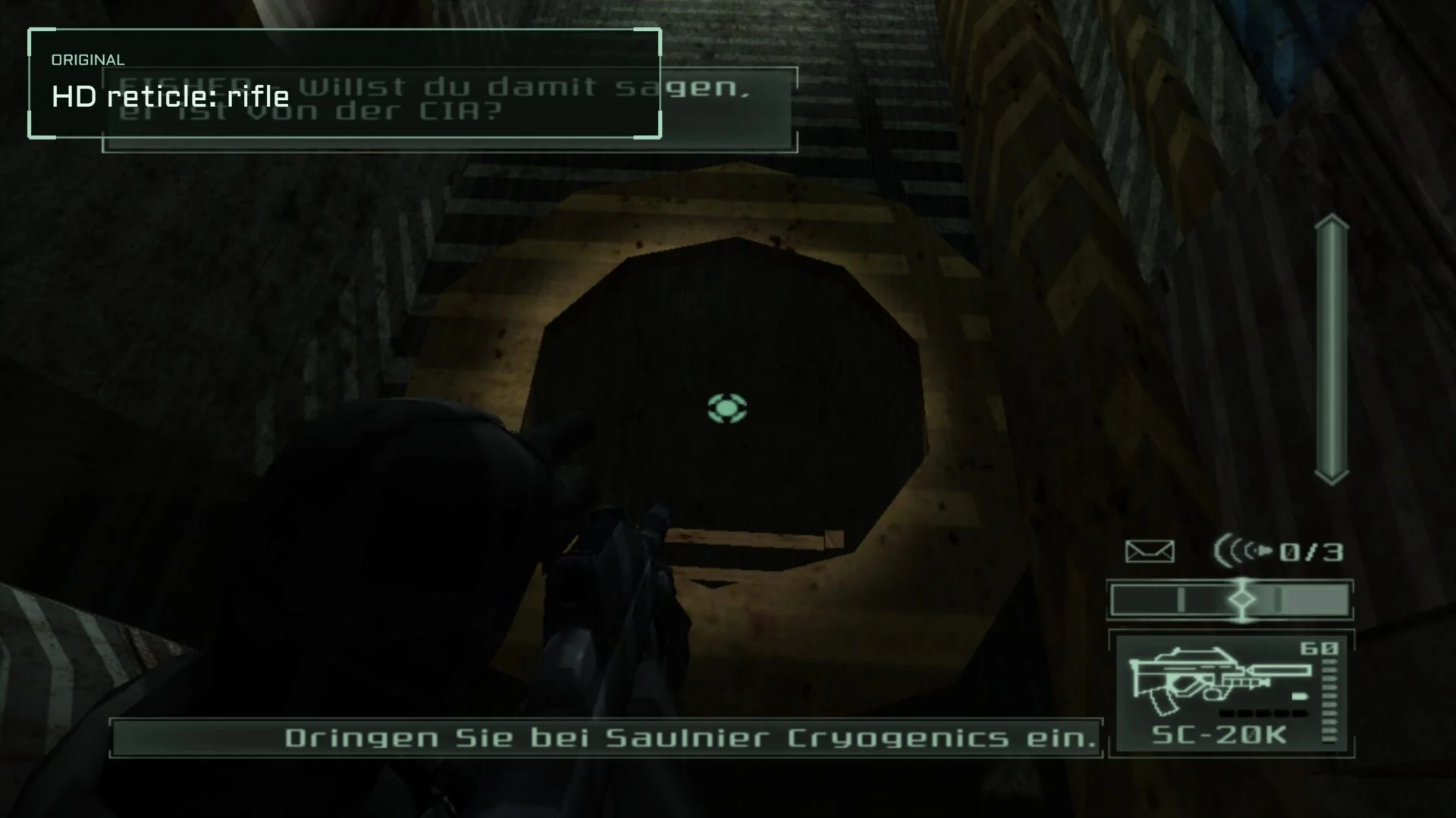 Original
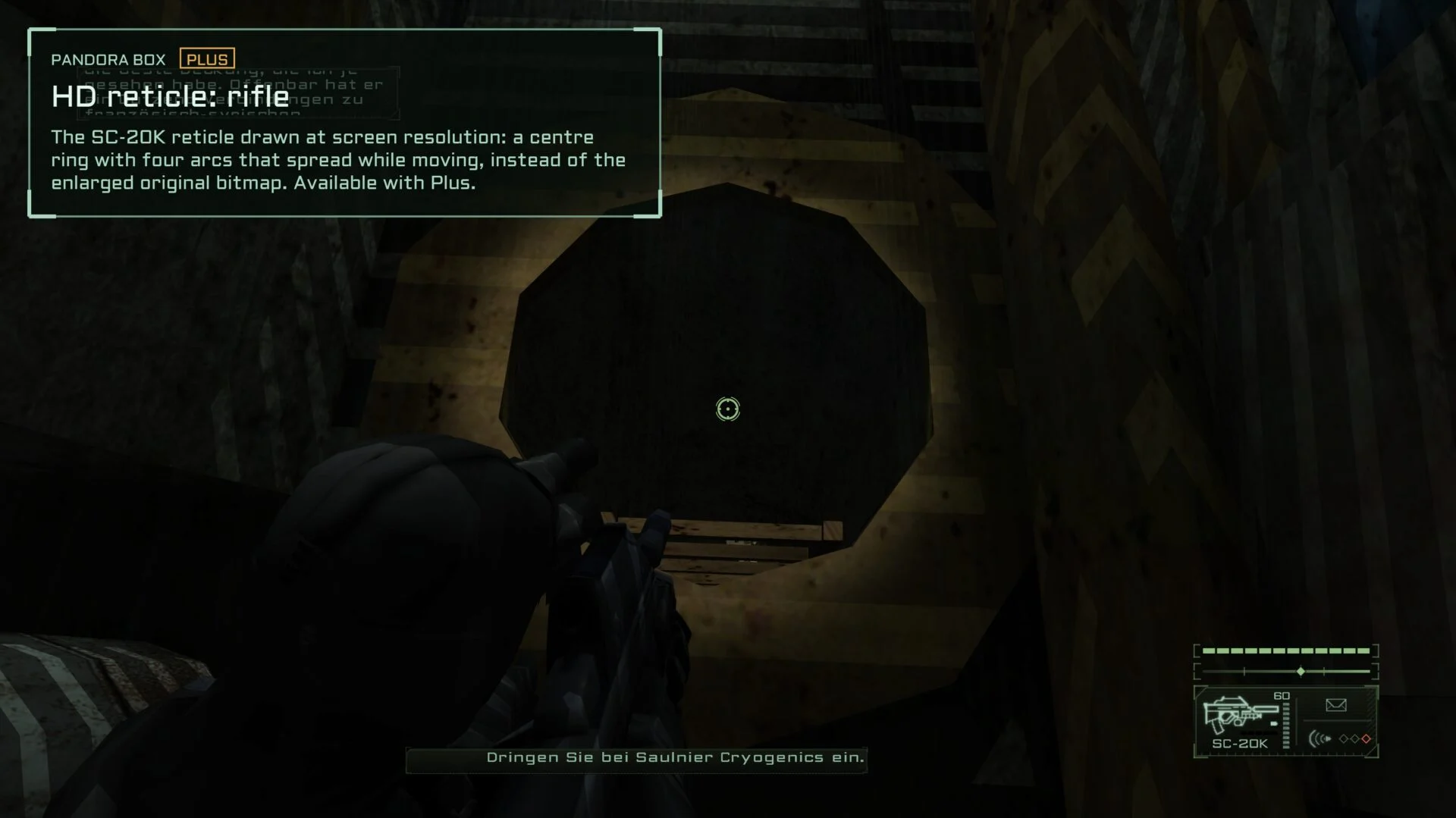 Pandora Box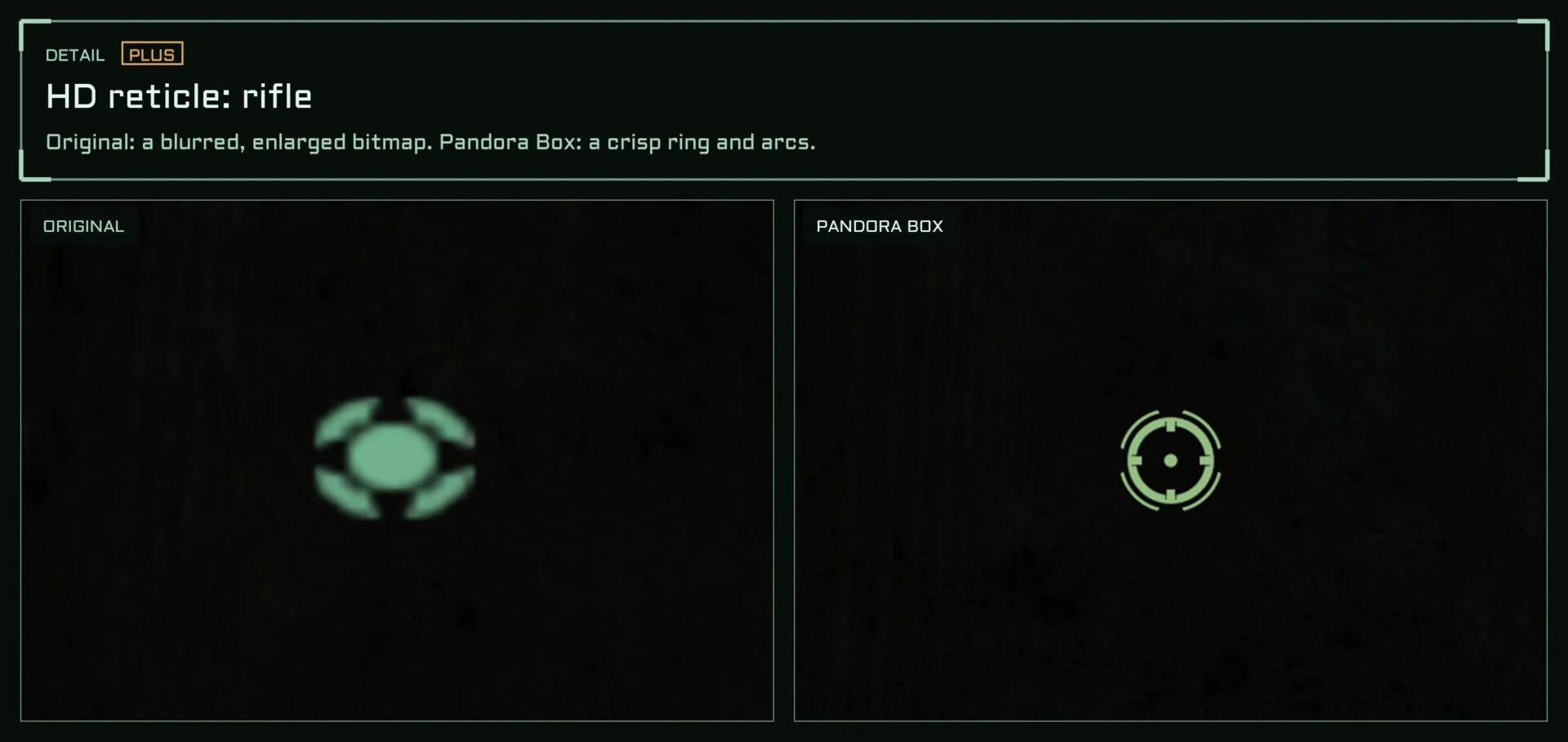
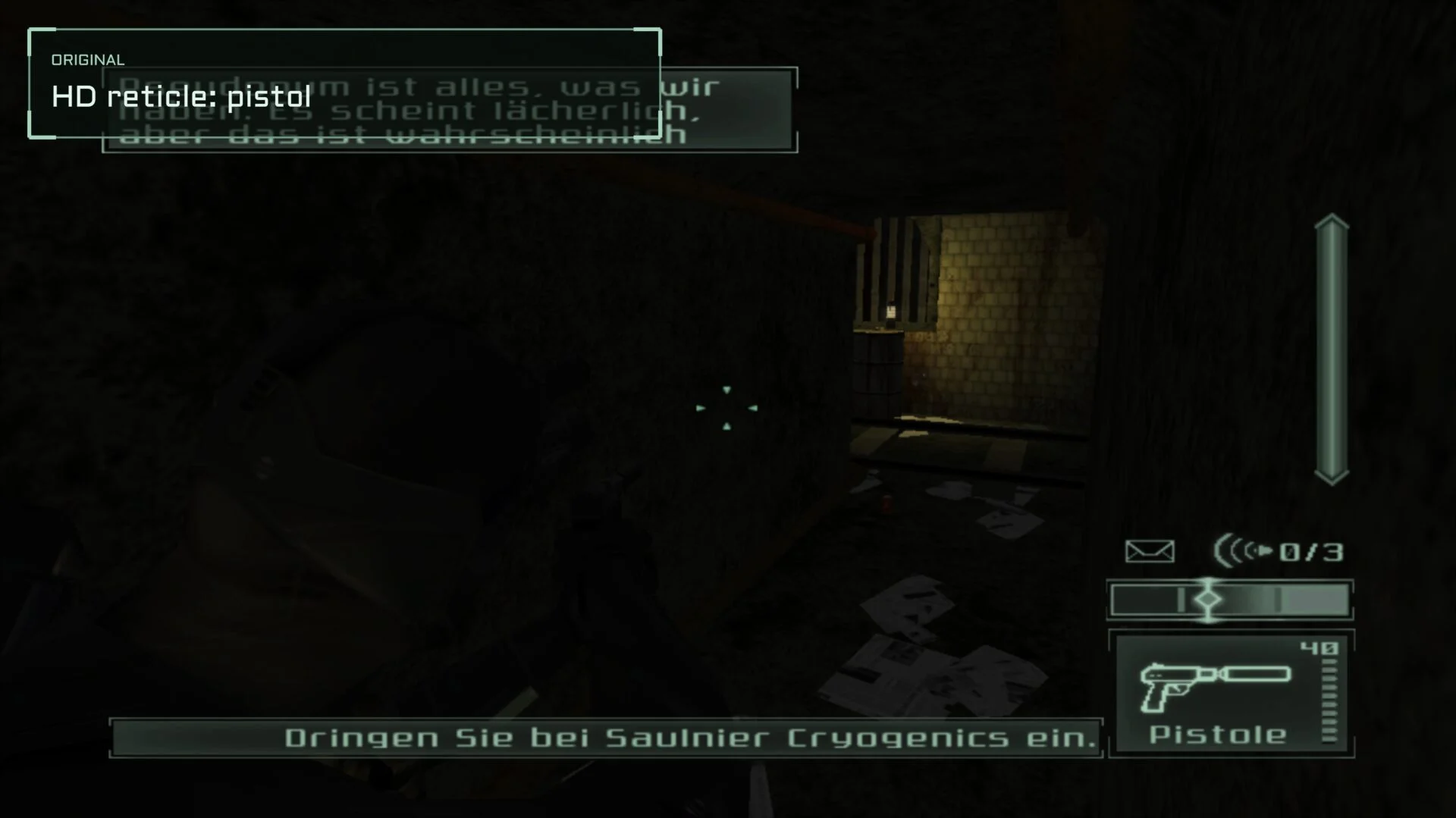 Original
 Pandora Box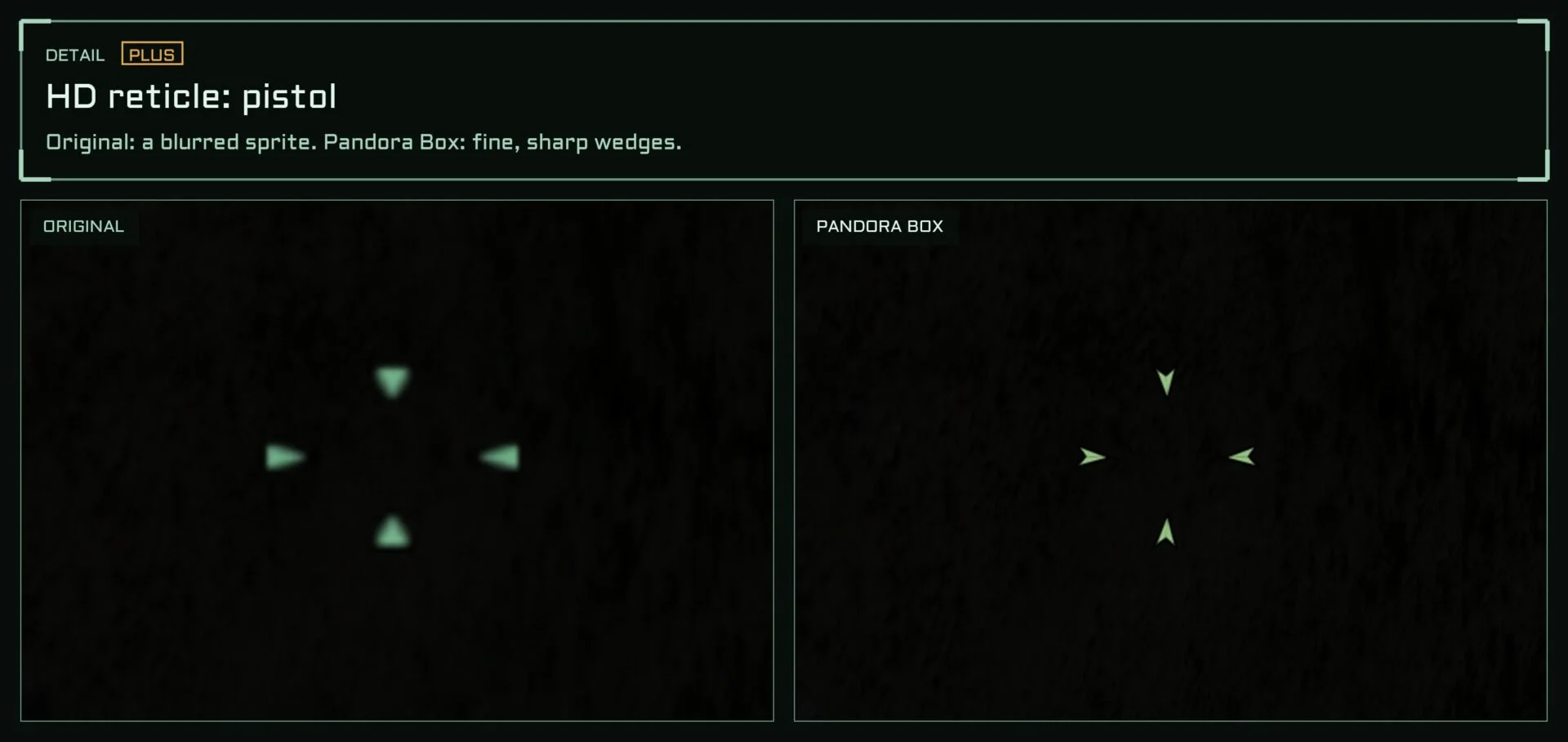
 Aim
Aim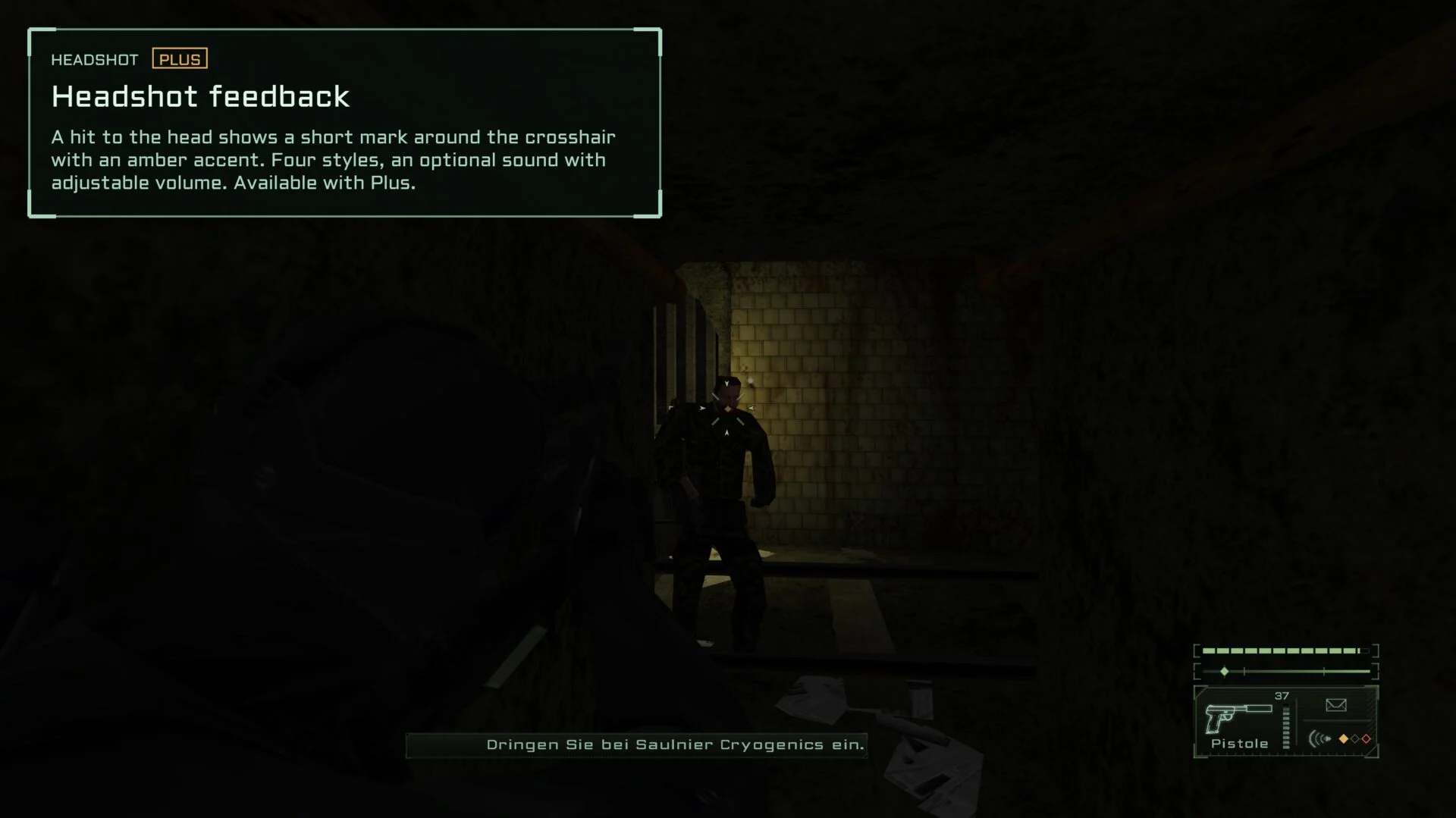 Headshot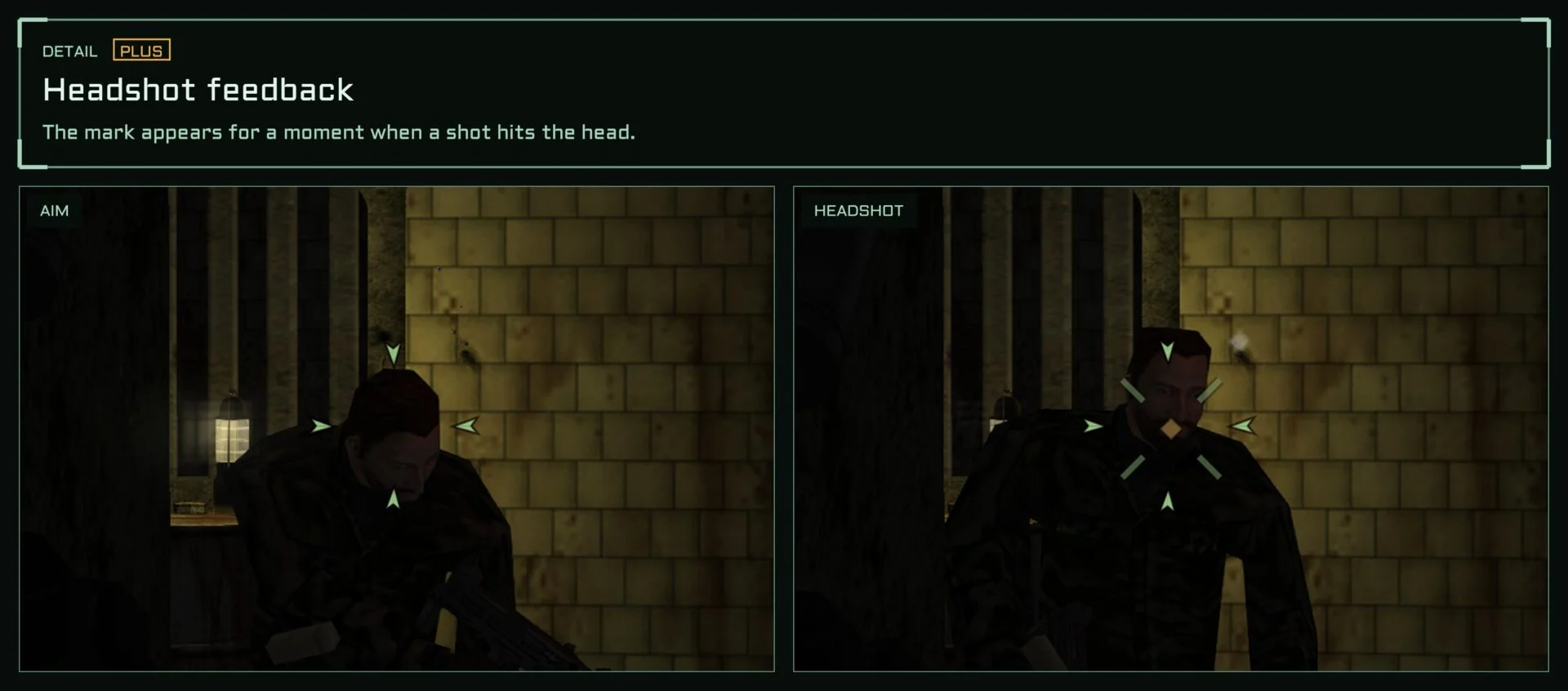
 Original
 Pandora Box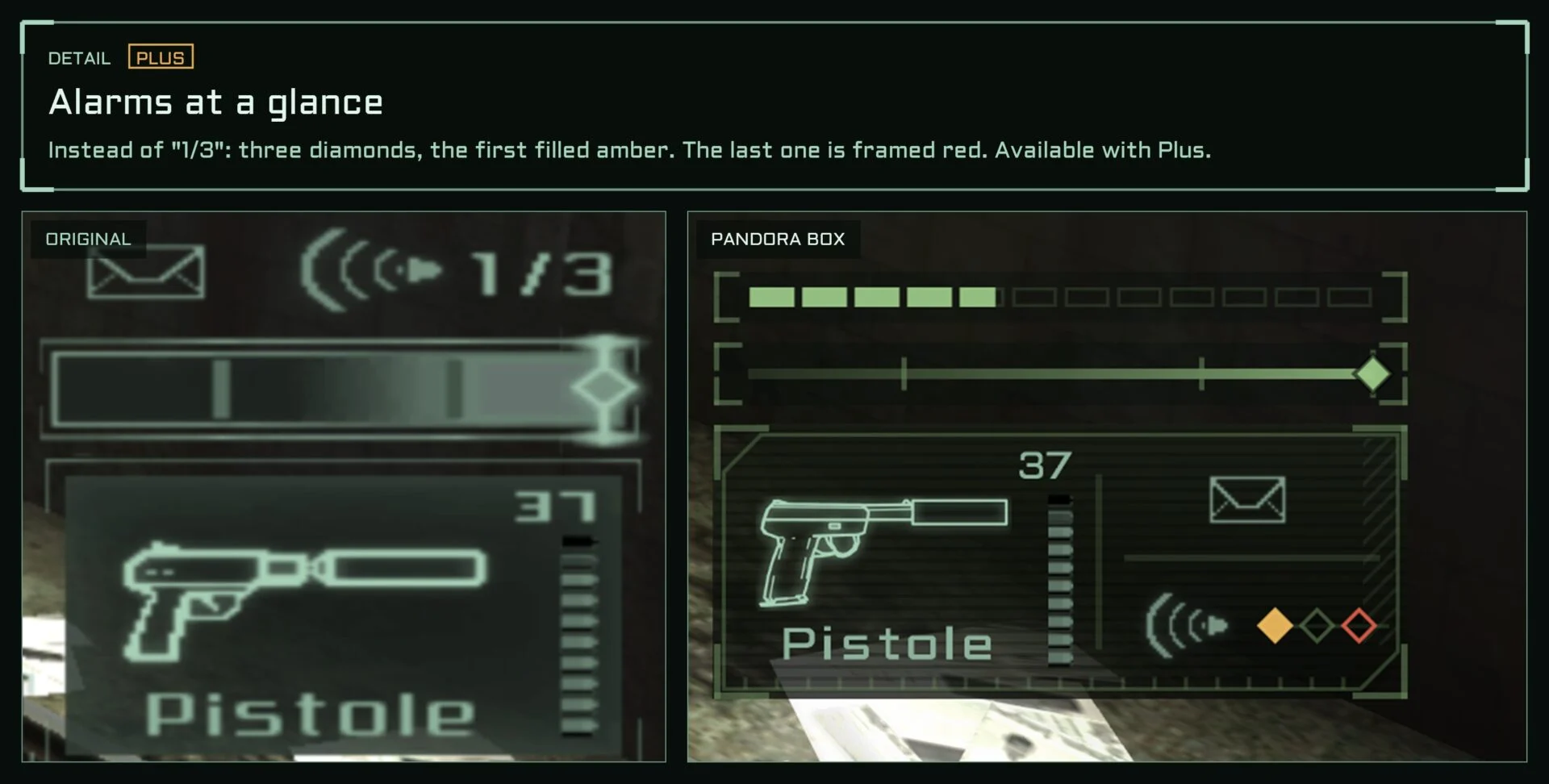
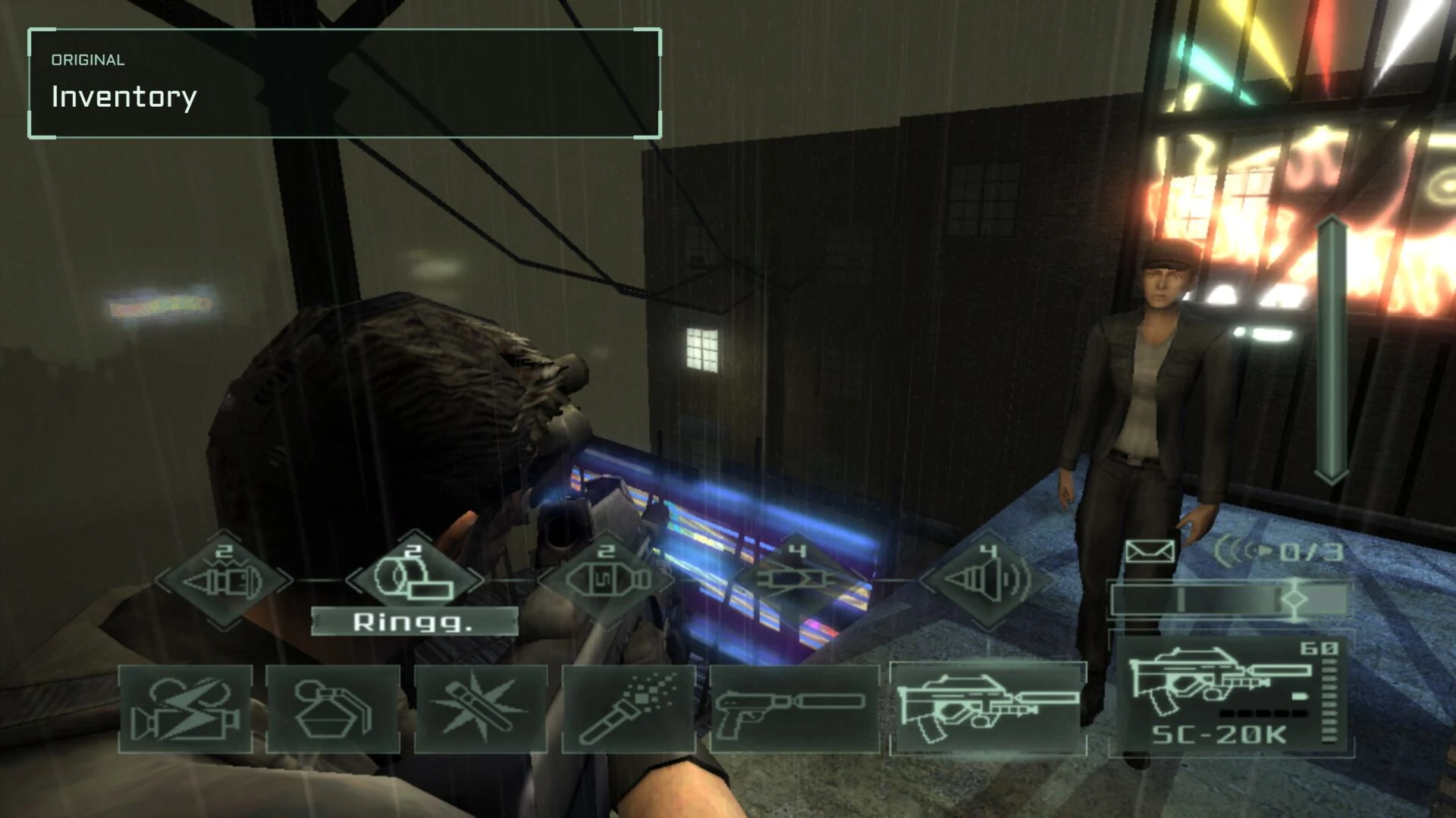 Original
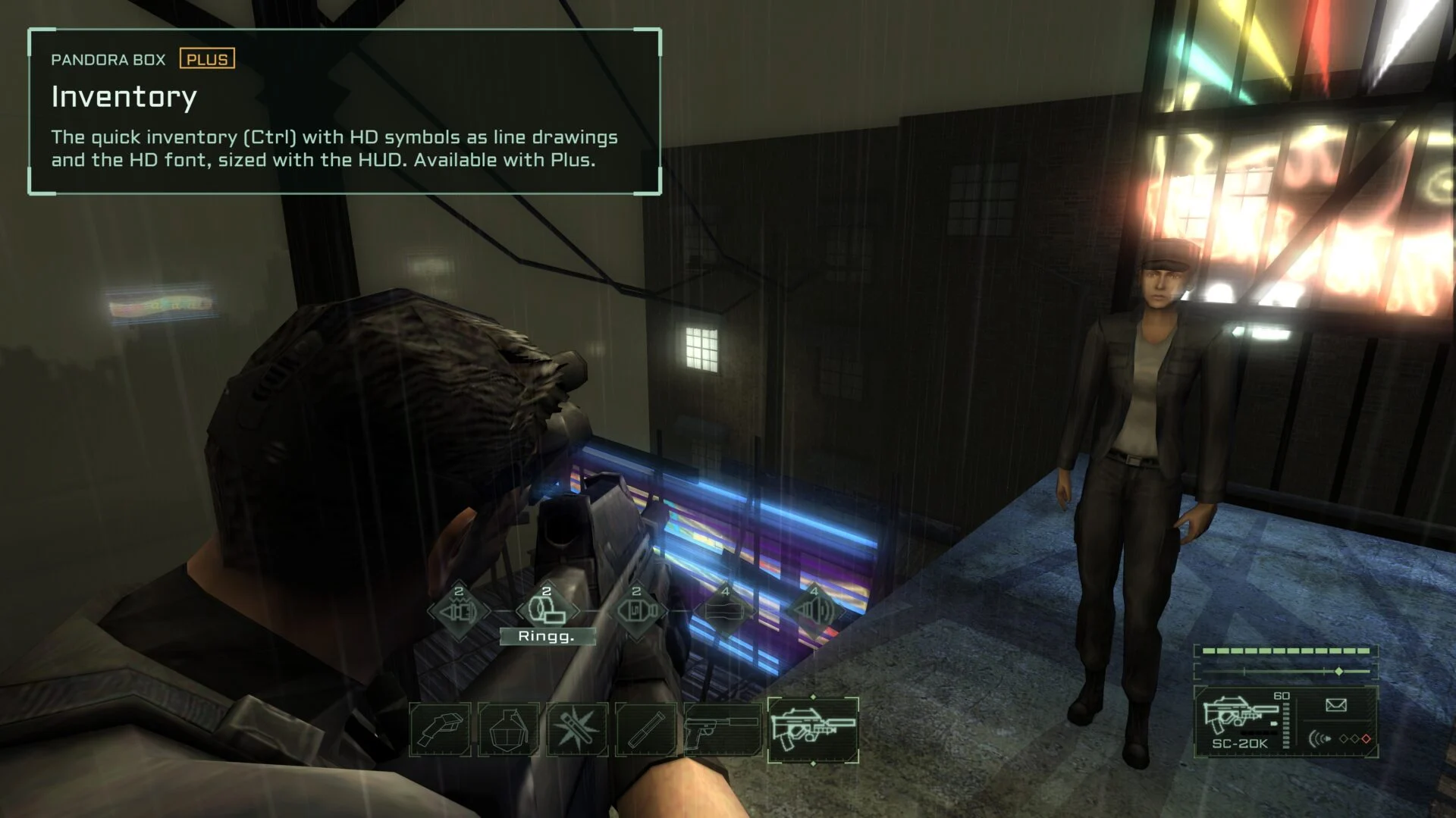 Pandora Box
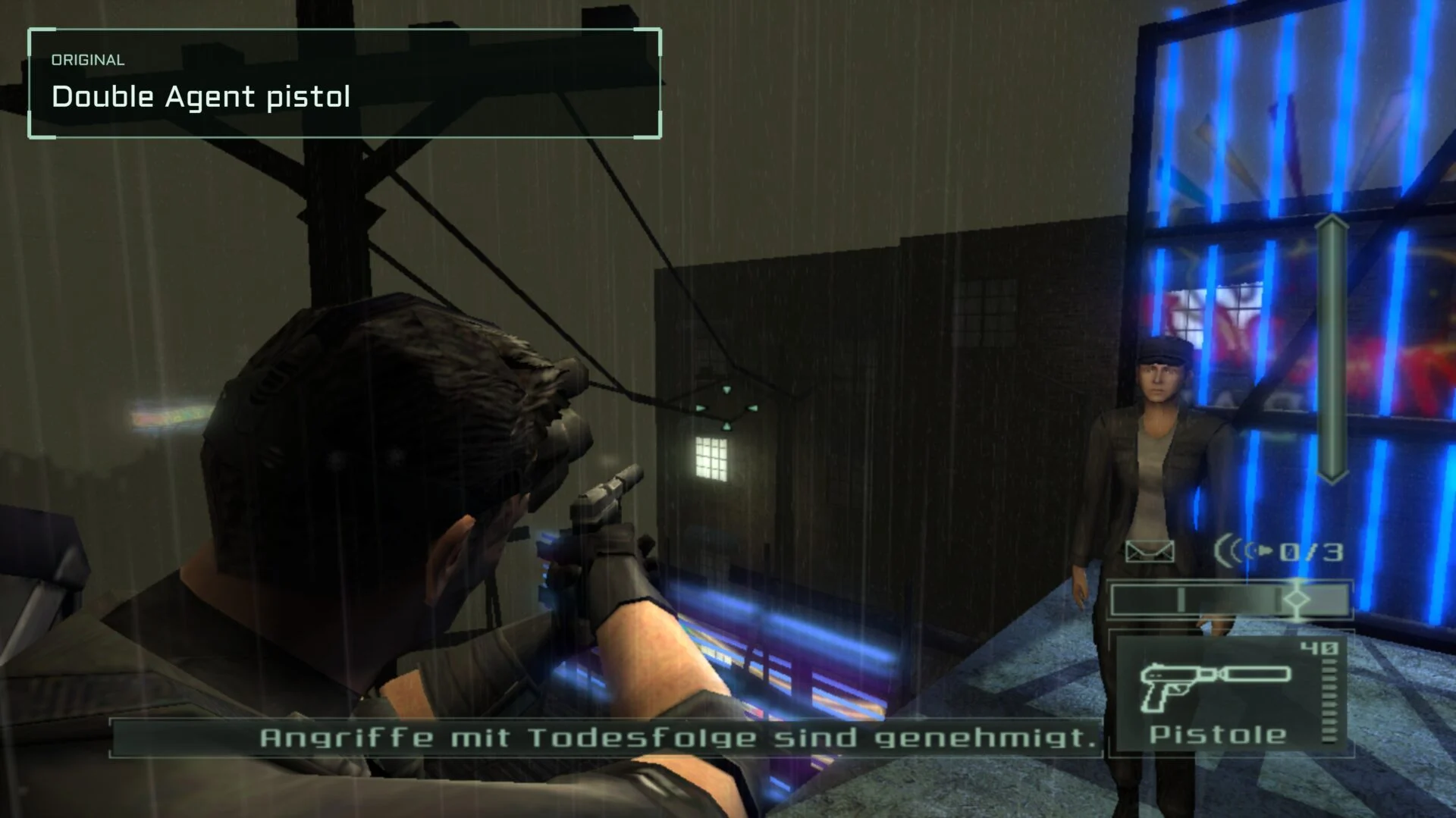 Original
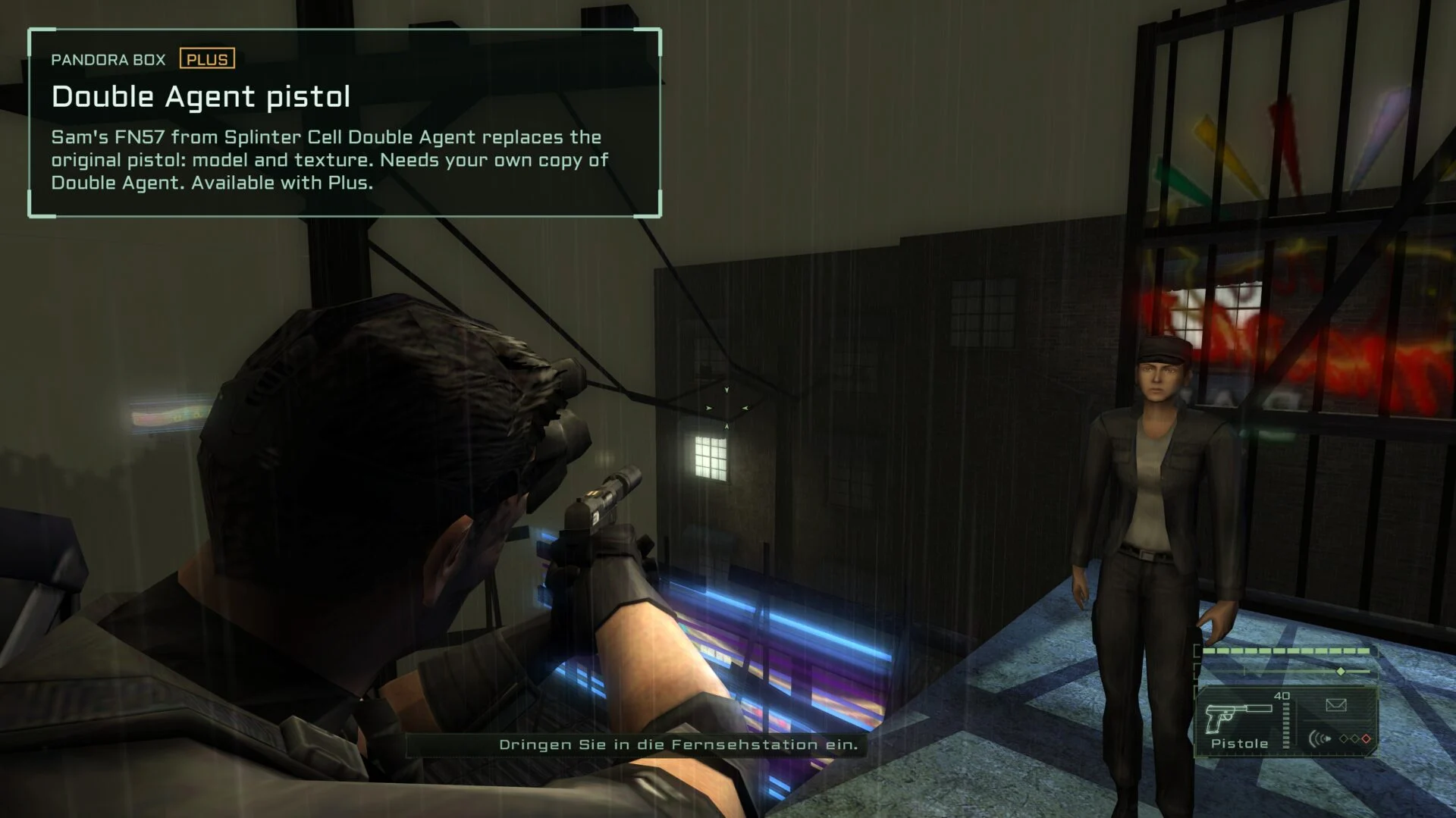 Pandora Box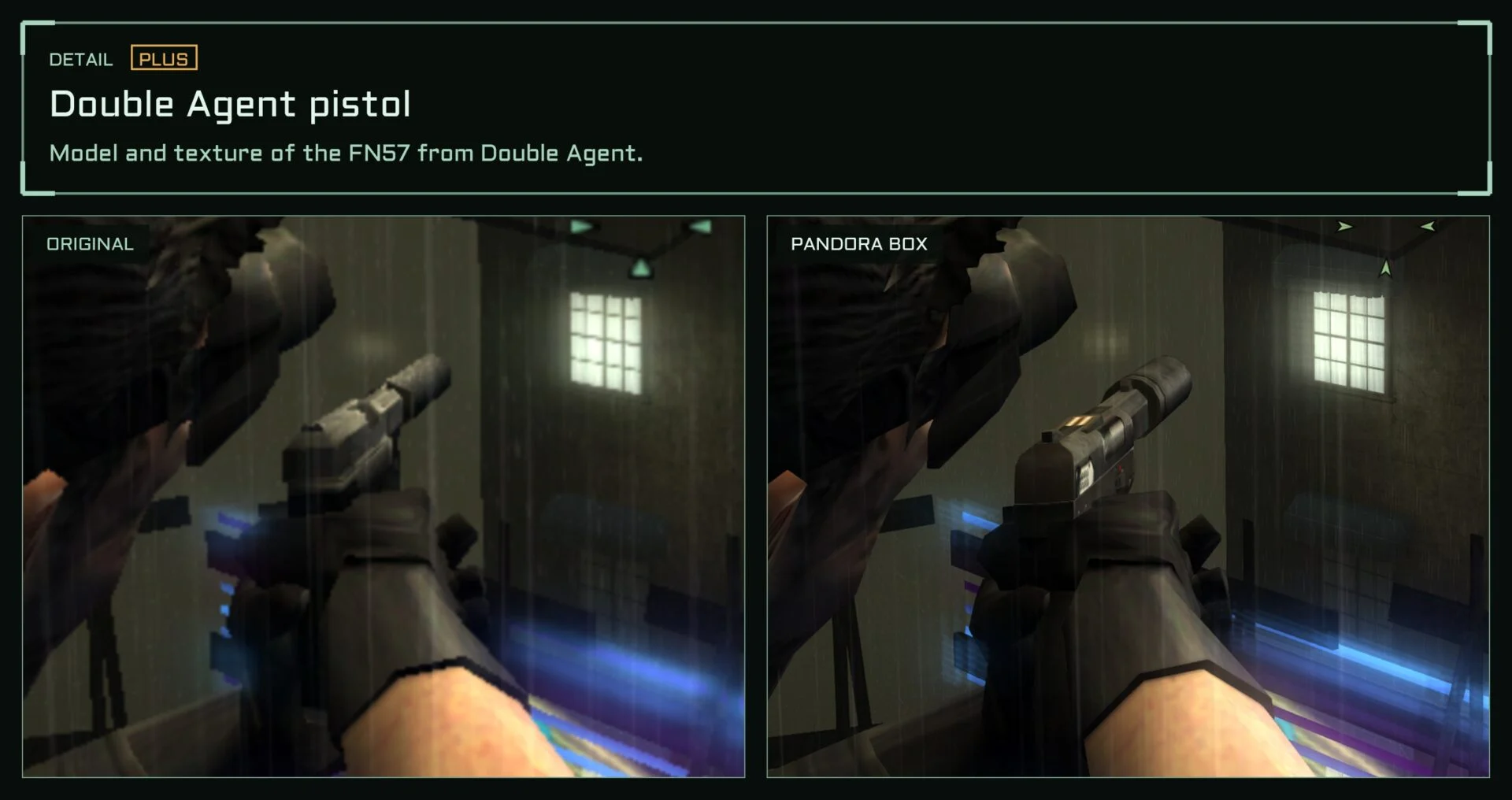
 Original
 Pandora Box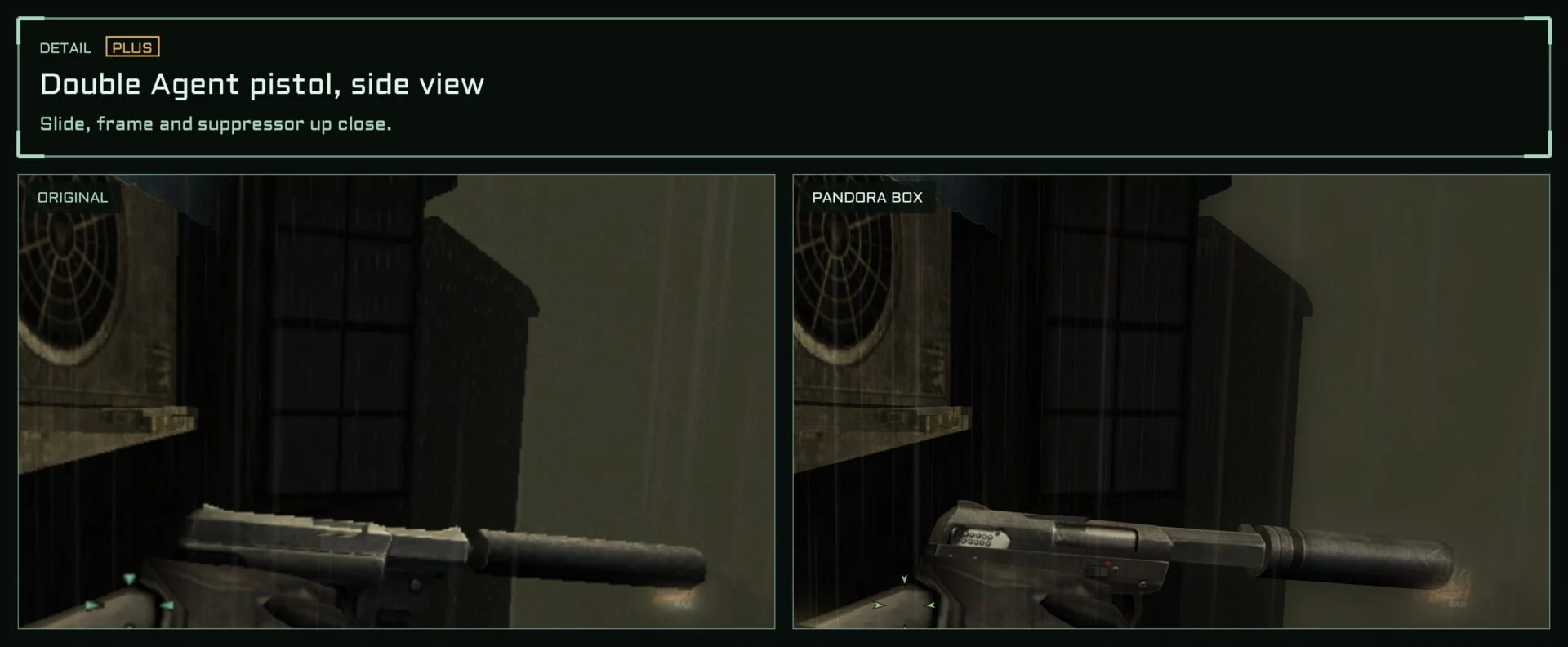
 Original
 Pandora Box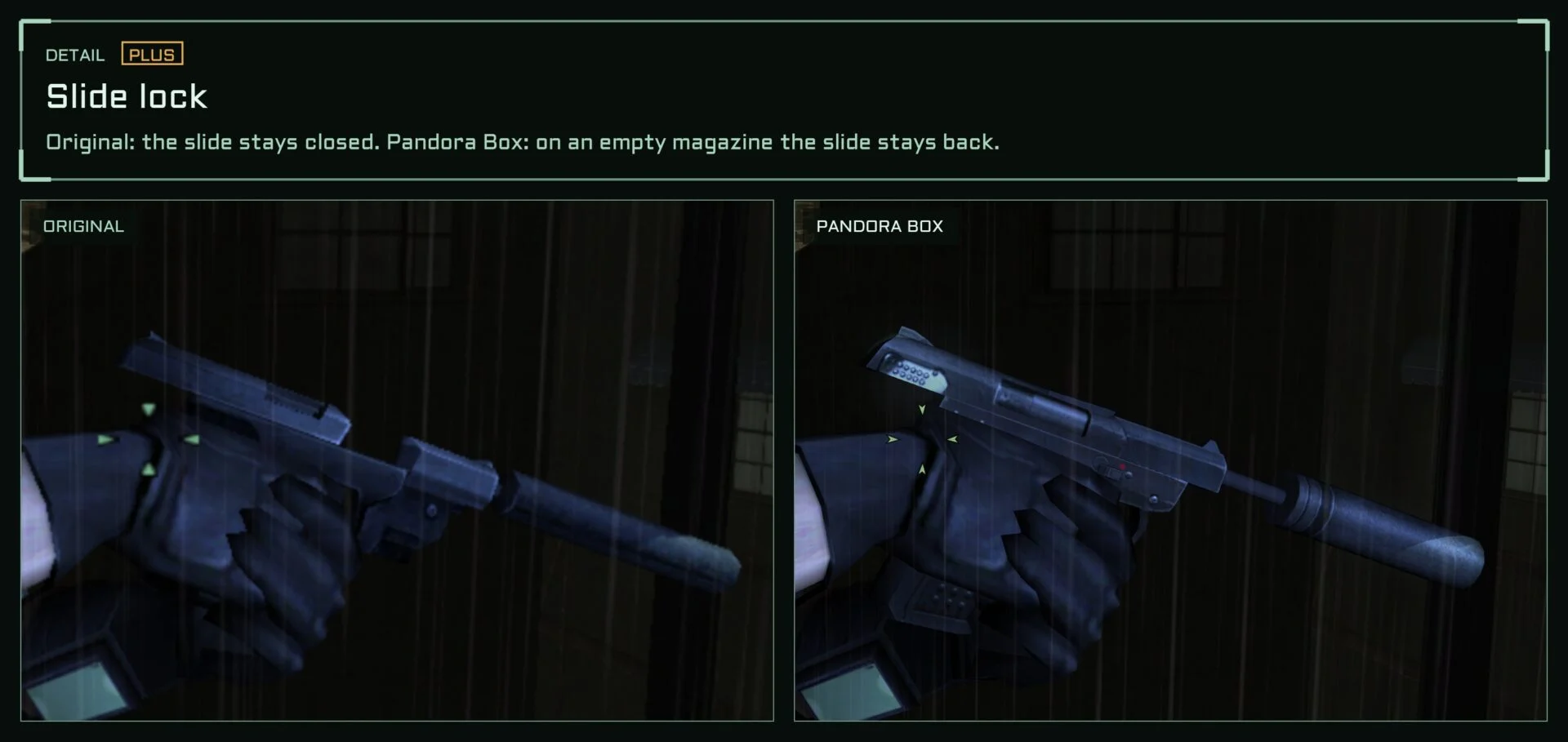
Under the hood
Pandora Box is a 32-bit launcher that places two DLLs in the game’s system folder. The game files themselves stay untouched, and UNINSTALL restores the folder. Rendering goes through Direct3D 11.
Third-party: Dear ImGui, MinHook, AMD FidelityFX FSR 1, SMAA, DSOAL, OpenAL Soft and OFL fonts (see THIRD_PARTY.md).
Download
One download for everyone. With Plus you get the key that unlocks every feature, right next to the download.
Pandora Box (Pandora Tomorrow)
Modernisation for Splinter Cell Pandora Tomorrow: widescreen, fixes for current systems, new night and thermal vision, with Plus a new HUD, HD fonts and the FN57 from Double Agent.
1Download
Version 2.0 Early AccessFreeLatest
Windows 10/11 · 32- and 64-bit · .exe · 11.0 MB · Oct 29, 2026
What’s new?22
New
- Plus: the gun light is a slim light module on the weapon (under the pistol's frame, on the rifle's right side), always on the gun while the gun light option is on; the beam comes from its lens. Its brightness is adjustable (Settings, GAMEPLAY: Gun light brightness). Without a weapon in hand the light goes off
- Plus: water refraction. The harbour water in Dili also bends what lies under and behind it, as the game's engine can (the shipped map had it off). Settings, GRAPHICS: Water refraction
- Main menu: INTRO plays the game's intro movie again (skip it with Esc, Enter, Space or a click, as at the start). With "Skip intros" on, the game starts straight in the menu and the intro is still one click away
- Plus: mission parts selectable. Load game > Level also lists the parts of a mission (Dili, Timor 1 and 2 …), each one once the profile has reached it, the way the game unlocks missions; the parts are listed indented under their mission. Settings, GAMEPLAY and the game's options page PANDORA: Mission parts selectable
- Plus: the game's own pistol, improved: round silencer instead of the hexagonal one, all edges slightly rounded, closed parts (nothing to see through when the slide moves back), the original texture. Settings, GAMEPLAY: Pistol: Original, Original improved or Double Agent
- Plus: the HUD's pistol symbol matches the chosen pistol (with HD HUD symbols)
- Plus: lethal grab. With an enemy grabbed from behind, Fire shoots him with the pistol held to his head, Alt fire knocks him out. The shot costs a round and is heard like any other, an empty clip only clicks; he is dead, so missions that forbid killing count it. Settings, GAMEPLAY: Lethal grab
- Plus: modern weapon feel. A shot now feels fired: the view kicks up and springs back (only the picture, the aim stays), the reticle jumps open, a fuller shot sound with the metal of the slide and the echo of the room it is fired in, a faint light at the muzzle, a kill holds the game for a blink, hit marks come a moment after the shot; reloading and an empty clip move the view a little, spent shells clink when they come to rest. Settings, GAMEPLAY: Weapon feel (recoil strength, sound volume, hit stop, muzzle light)
- Plus: enemies wake up. A knocked-out enemy comes round by himself, each in his own time (some after a minute or two, most after a few, some never), gets up dazed and searches the area. Settings, GAMEPLAY: Enemies wake up
- Plus: fair search. After losing Sam the guards search where they last saw him, not at his real position (the game searched there, a developer shortcut); dogs still follow the scent. Settings, GAMEPLAY: Fair search
- Plus: gun light. The 4th mouse button or L (both can be changed) switches a light on Sam's weapon (the game's hidden developer light); while it shines, enemies who can see Sam see him. Settings, GAMEPLAY: Gun light
- Plus: noise bar under the light meter (the game's cut sound bar), and a faint arc towards whoever hits Sam
- Plus (realism option, off by default): magazine reload. Reloading drops the rounds left in the old magazine; the HUD's number counts spare magazines
- Plus: missing colleague. A man you took out is missed by one of his group after a while (45-120 s), who says so and looks for him. Settings, GAMEPLAY: Missing colleague
- Plus: the alarm cools down. After a few quiet minutes (no guard sees you or shoots) the alarm drops a stage: Lambert tells you, guards take off helmet and jacket (the game did this only at some checkpoints, and only on Normal). Settings, GAMEPLAY: Alarm cools down
- Plus (option, off by default): lights noticed. A light shot out or switched always makes guards look and search
- Plus: a third difficulty, Realistic (Realistisch, Réaliste, Realista, Realistico), chosen with Normal and Hard when creating a profile. To the game it is Hard; on top wake-up, fair search, missing colleague, alarm cool-down, lights noticed and magazine reload are always on and locked, guards see about a fifth further and search half as long again, and there are no cheats. On Normal and Hard every option stays free
- Cheats: infinite ammo, can't be hurt, and refills for ammo, gadgets and health (CHEATS page); quick wake-up for trying "Enemies wake up"
- Plus: soft shadows. Shadow edges filtered over nine reads of the shadow map instead of the hard, stepped edge; the shadow itself as dark as before. Settings, GRAPHICS: Soft shadows (also in the game's Options, Graphics)
- Two new tabs in the game's Options, in the game's own style: HUD (layout, styles, size, fonts, HD symbols and reticles, headshot feedback, noise bar, damage direction) and PANDORA (weapon feel, enemies, player, pistol, missions). Plus rows greyed without a key, (R) rows locked on Realistic; Graphics keeps image, display, graphics, effects
Changed
- Sharp effects: the game's small effect images (glow, thermal heat image, the water's reflection) are now made at the full picture size: the reflections on the water no longer show stepped edges
Removed
- HUD: the manual arrangement on screen and the size and position of single elements (too much to look after); the HUD size and the two layouts (original, compact) stay
Checksum
SHA-256
f2e6af136db7da5b4024066f98e8dc7c3d25c24612b34c085a3ba777d0fcef58
Older versions (archive)
Outdated – please use the newest version. Older versions only if the new one doesn’t run for you. Each key only fits its own version.
Version 1.02 Early AccessFree
Windows 10/11 · 32- and 64-bit · .exe · 9.2 MB · Oct 28, 2026
What’s new?10
New
- Cheats in the settings (F10, CHEATS page): invisible to enemies, freeze enemies, no clipping. The game's own console cheats as switches; they stay on across levels and saves until switched off
- Launcher: VERSIONS page with every version and what it brought
Changed
- Launcher and F10 settings redesigned: flat display without gradients, menu on the left, framed pages, small 16-bit style motion (pointer, status lamp)
- F10 settings sorted into pages: FEATURES (overview, each line opens its page), DISPLAY, GRAPHICS, EFFECTS, HUD, GAMEPLAY, INPUT, CHEATS
- F10 settings window: text size adjustable (70-130 %), window resizable at its bottom right corner; both are kept
- HUD: choosing a layout sets light meter, health bar, weapon panel and text boxes back to it
Fixed
- Quick inventory (Ctrl) with the modern HUD: hovering and selecting now hit the item under the pointer, also at the ends of the row and in the rifle's ammo list (sticky camera, smoke grenade …)
- Headshot feedback: a headshot on an enemy sitting at a desk now shows the mark and plays the sound
- Headshot feedback: knocking an unaware enemy out with one blow no longer counts as a headshot
- Thermal vision with sharp effects: the heat image sat beside the bodies (most visible on the feverish enemies in the last mission); it now lies on them again, at full sharpness
Checksum
SHA-256
5bcade9eb800dc037bba21c09650573662a31cfc6df6aaa71869a19177ac422dVersion v1.0 Freefixed Oct 27, 2026
Windows 10/11 · 32- and 64-bit · .exe · 9.0 MB · Oct 27, 2026
What’s new?
V1.0: First release.
Checksum
SHA-256
3ecb40918dc202b121ae91a74ca5c10dd8bea6f1eee3ba5e7149678e93433d4a
2Unlock the full versionPlus
The download is the same for everyone. You unlock the full version in the tool with a key. With Plus you get the keys of all tools in your account automatically – every new version as soon as it’s out, and they stay yours. Plus is cheapest right here on the website.
Unlock with Plus– from €6.66 a month
Plus costs €7.95 a month or €79.95 a year (works out to €6.66 a month).
You keep all this going – new tools, updates and projects like the Terranigma decompilation. Plus pays for my time to make them.
Short on cash right now? Subscribe to me on Twitch – free with Prime, too – and link your account. You’ll have Plus for as long as the sub runs. Thank you – every bit of support counts.
Plus key
- One key per version. A key keeps working for its version and its fix updates (V1.0 key: V1.0, V1.01, V1.02 …).
- diemilchgebendekuh.de Plus (recommended): cheapest, covers all tools, keys are stored in your account and stay there after the subscription ends.
Pandora Box is made in spare time. Through the website most of your support reaches the developer.
What you need
- Splinter Cell Pandora Tomorrow, Steam release (2025)
- Windows 10/11 and a Direct3D 11 GPU
- For the FN57 pistol (Plus): your own copy of Splinter Cell Double Agent
Install
- Run
Pandora Box.exe. - The Steam install is found automatically. If not, BROWSE to
SplinterCell2.exe. Then click INSTALL. - Click PLAY or start the game as usual. Press F10 in game for settings.
For the Double Agent pistol, select Double Agent’s SplinterCell4.exe in the GAME tab.
UNINSTALL restores the game folder.
Found something weird?
If something looks off or the game misbehaves, tell me on Discord or by email. I’m always happy about testers.
Unofficial fan project, not affiliated with Ubisoft. Splinter Cell is a trademark of Ubisoft. No game files are included.
Leave a comment
You must be logged in to post a comment.